
Installation, Testing and Comparison
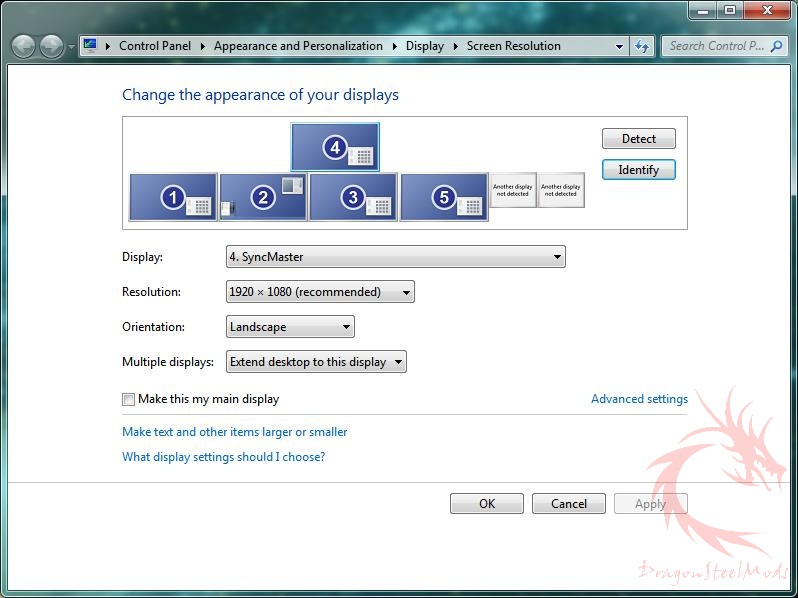
The first thing you’ll need to do is install all of the software which can be a lengthy and annoying process. The StreamHD uses DisplayLink software, and when I installed it I found it totally messed up my multi-monitor setup. I’ve got four monitors normally on my system, and they were all re-arranged after the installation. It also turned Aero off, and then on and then off again and then back on, it seems to have done this at random.
The StreamHD will show up as another monitor in your screen setup, for me it’s number five.
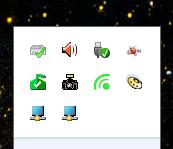
When you check the TaskBar you’ll find four more programs running. Two of them are DisplayLink, the next is Audio controls and the last is the Wireless USB Manager.
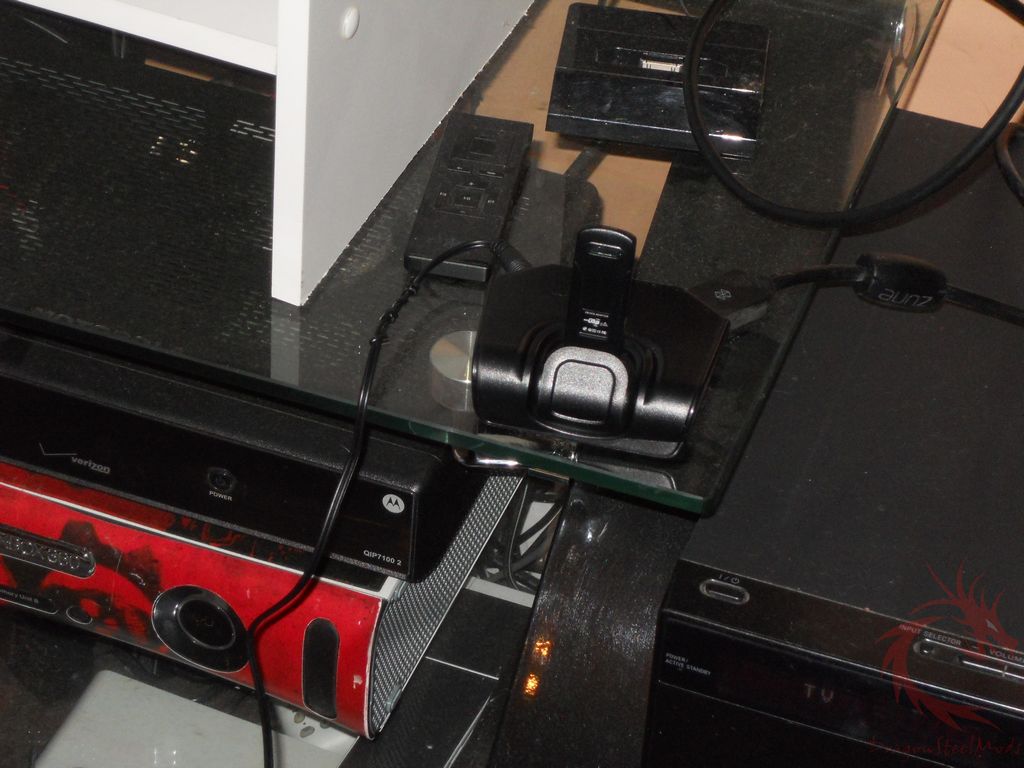
I’m using the StreamHD with my 47” Vizio HDTV and my main PC. I set up the receiver across the room next to the TV. I used the HDMI cable and nothing else.
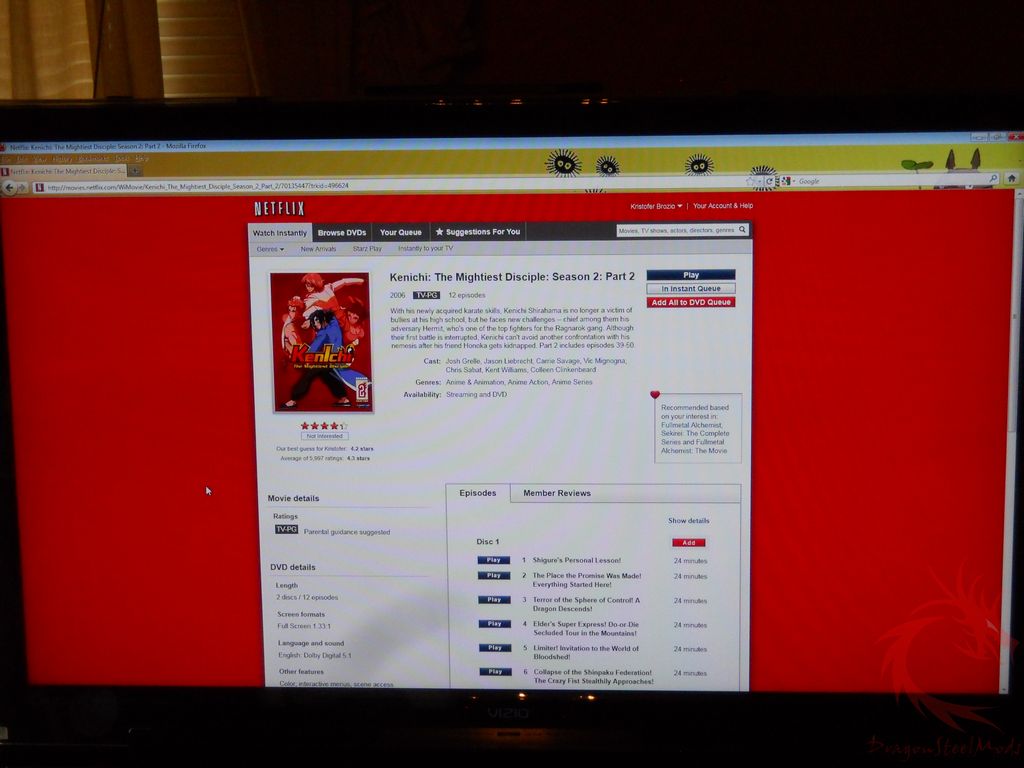
Here’s Netflix running on my Vizio HDTV over the StreamHD:
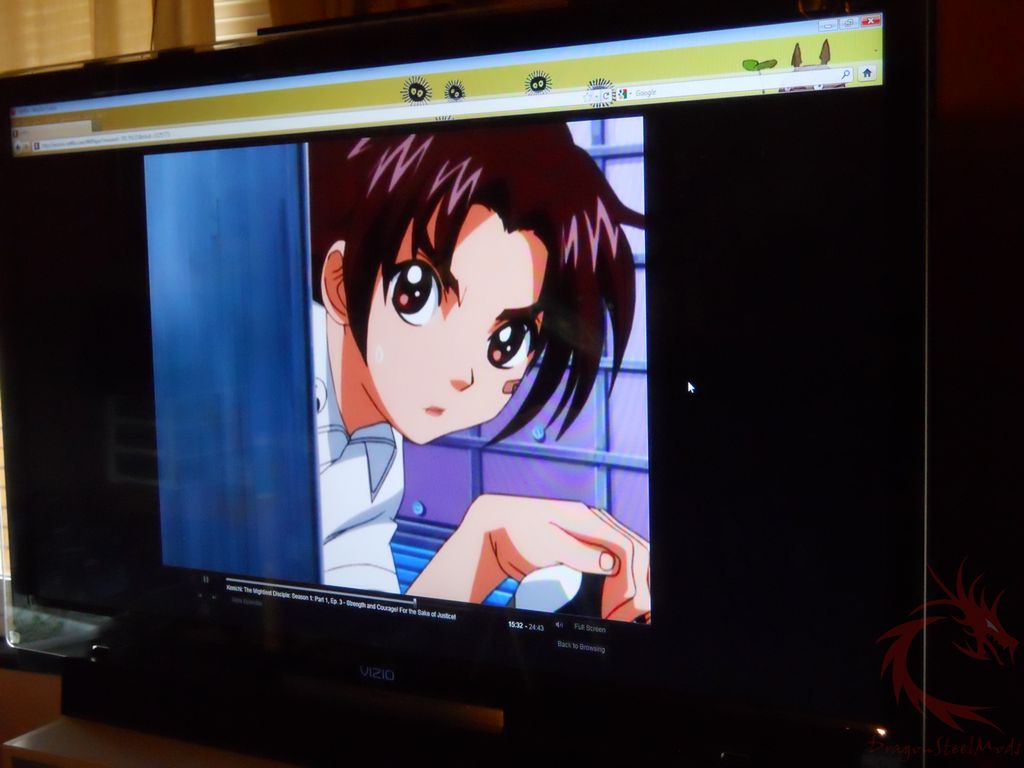
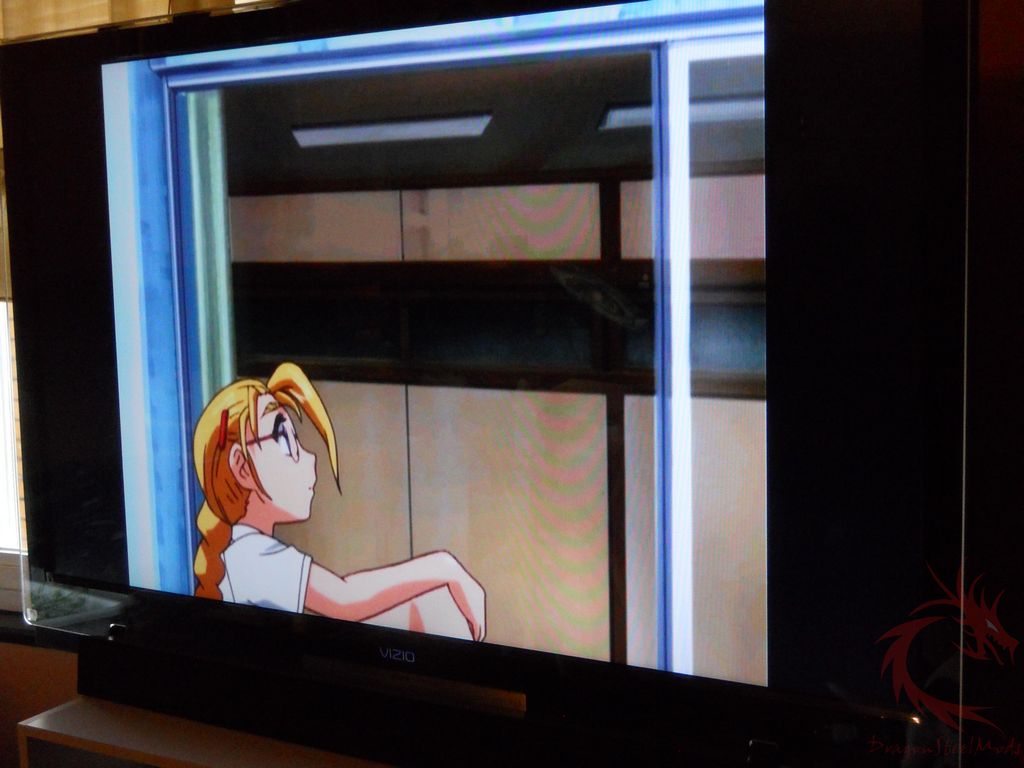
You can use the StreamHD to copy your main monitor or as an additional one as I have set. When you set it as additional you drag anything over to it, just like any other multi-monitor setup. It’s simple and easy to do really.
There is a slight lag over the connection, like when moving the mouse;
it’s a bit jumpy and slower than usual. There is no lag that I noticed for video though, so it does what it’s supposed to do there just fine.
You can stream HD content but not everything, for some reason it doesn’t let you stream blu-rays, in fact it says right on the box “Blu-Ray playback from PC is not supported”.
You don’t have to connect it just to a TV, you can connect to another monitor or even a projector if you wanted.
You can use the StreamHD up to 30 ft away, so that should be more than enough for most people.
The audio can be accessed via 3.5mm jack, S/Pdif or right over the HDMI connection, it all dependeds on your setup really.