
Installation, Testing and Comparison
Installation is very simple, set you notebook or laptop on the pad and plug it in, all done!
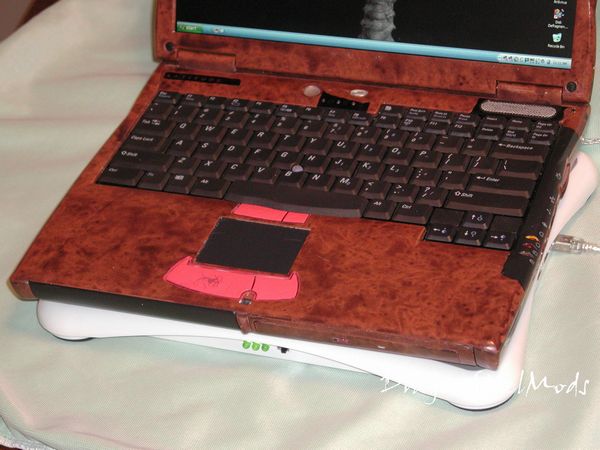
Once hooked up to your USB port you just need to flip the switch and the LEDs light up a bright green to indicate powered on, the fans come on and Windows XP recognizes and installs the USB hub.
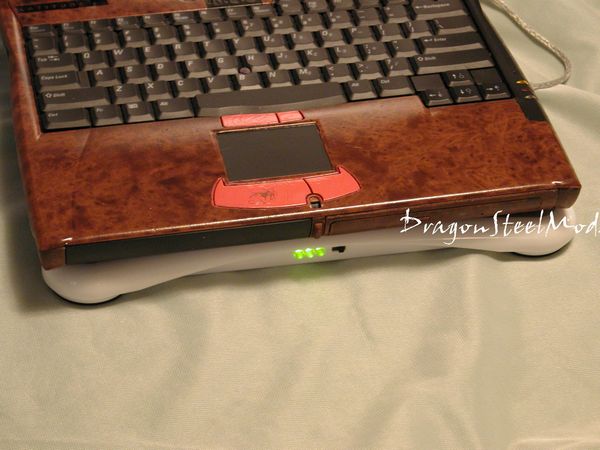
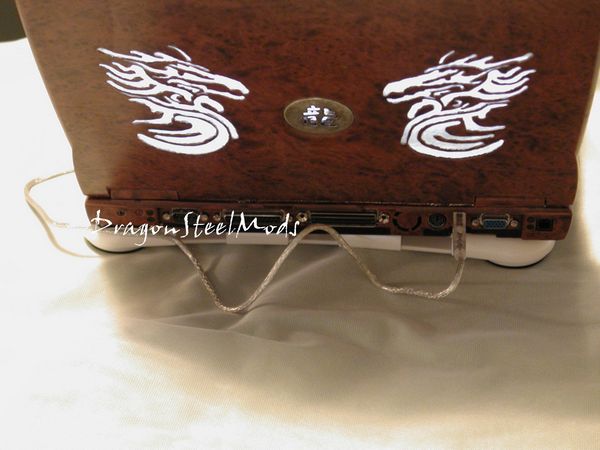
The USB cable goes from the USB port of your laptop to the USB port of the laptop pad. My laptop only has one USB port so the addition of four more comes in very handy.

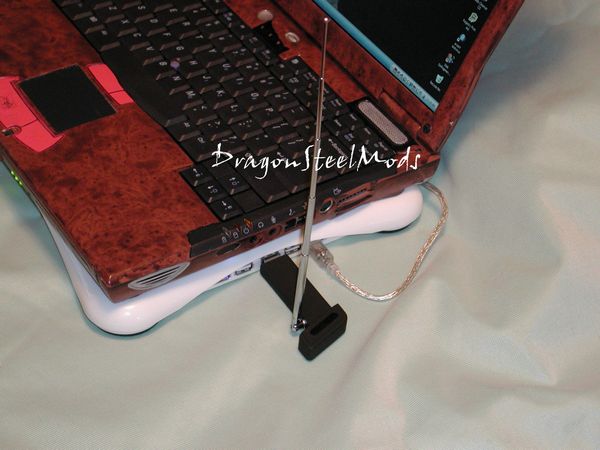
Having the USB ports on the side is nice so you don’t have to keep reaching around to the back of your laptop, I know I hate having to reach around and over the LCD screen to plug something in.
For testing I used Prime95 to get some heat going on my laptop and I used FanGUI for Dell laptops to get the temperatures, it is a great little program for controlling and monitoring the speeds of the fans and the temps in your laptop. I let the laptop sit for 30 minutes doing nothing to record the idle temperature. The ambient temperature was 30.1C during testing, yeah my AC was off….
NO Cooling pad:
Idle: 41C
Load: 55C
WITH Cooling pad:
Idle: 39C
Load: 52C
Well there is not a drastic drop in temperatures but a drop nonetheless, so the Notebook Cooling Pad does work the way it’s supposed to. I have to say that it is very quiet, you can barely hear it when it is turned on, and when the laptops fan turns on high you can’t hear it at all.
The Notebook Cooling Pad from Brando WorkShop does cool your laptop, how much it does will depend on your laptops fan configuration. The cooling pad is virtually silent and extremely lightweight as well. It is very well made and should be able to withstand a lot of abuse. Apparently the Notebook cooling pad does have one major drawback though, it really drains your batteries fast, which is a very bad thing. I have two batteries for my laptop and can run both at the same time, even with both I watched the capacity drop over 25% during testing of the pad, which lasted only about an hour. Yes I was running Prime95 for about 30 minutes, but the CPU was also throttled down conserved power.