A Better Look at Things – Outside
The Xclio Touch 320 comes packaged well; actually it’s packed like most every other PC case with Styrofoam and plastic.
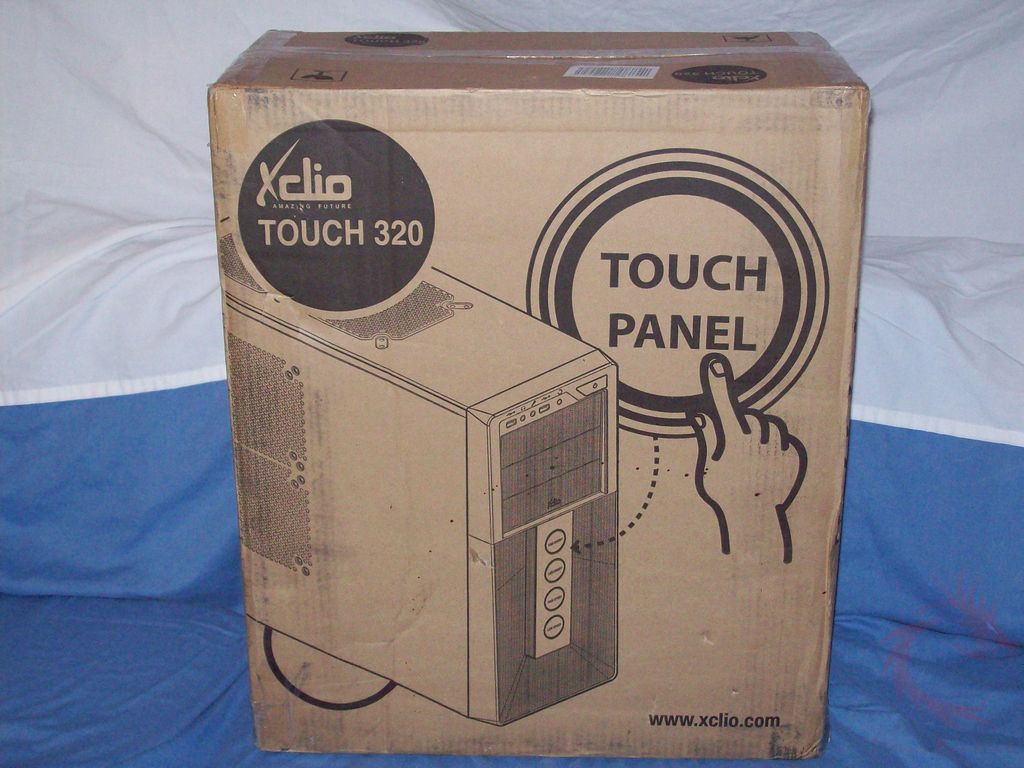
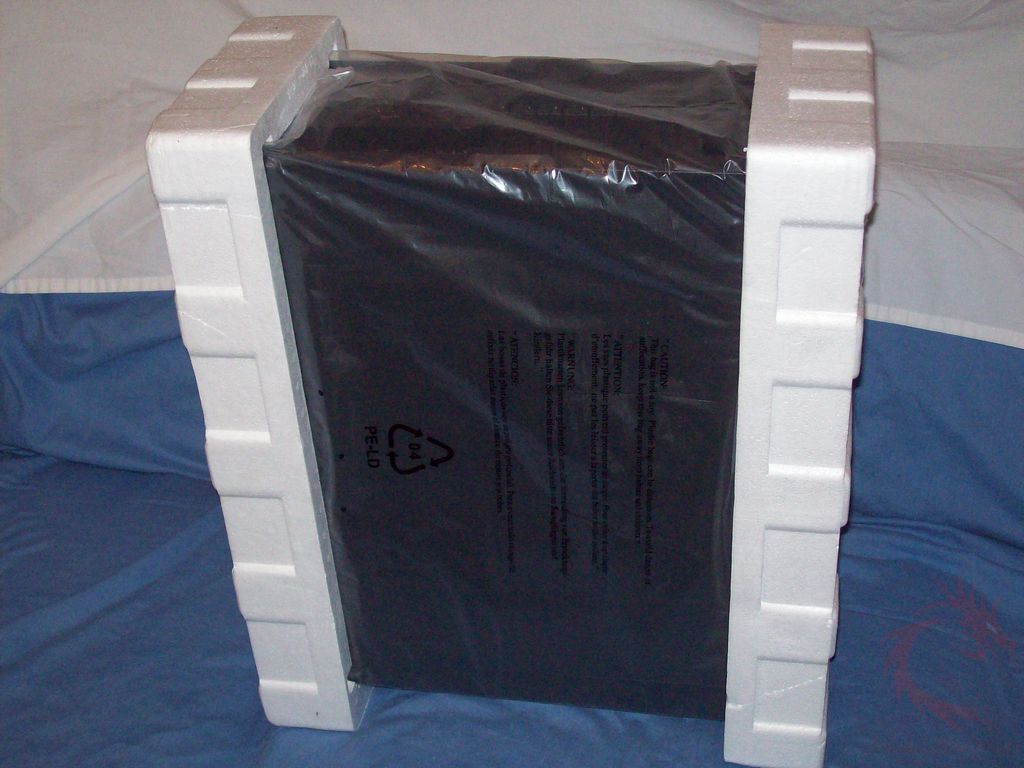
Inside you’ll see the case and user’s manual.
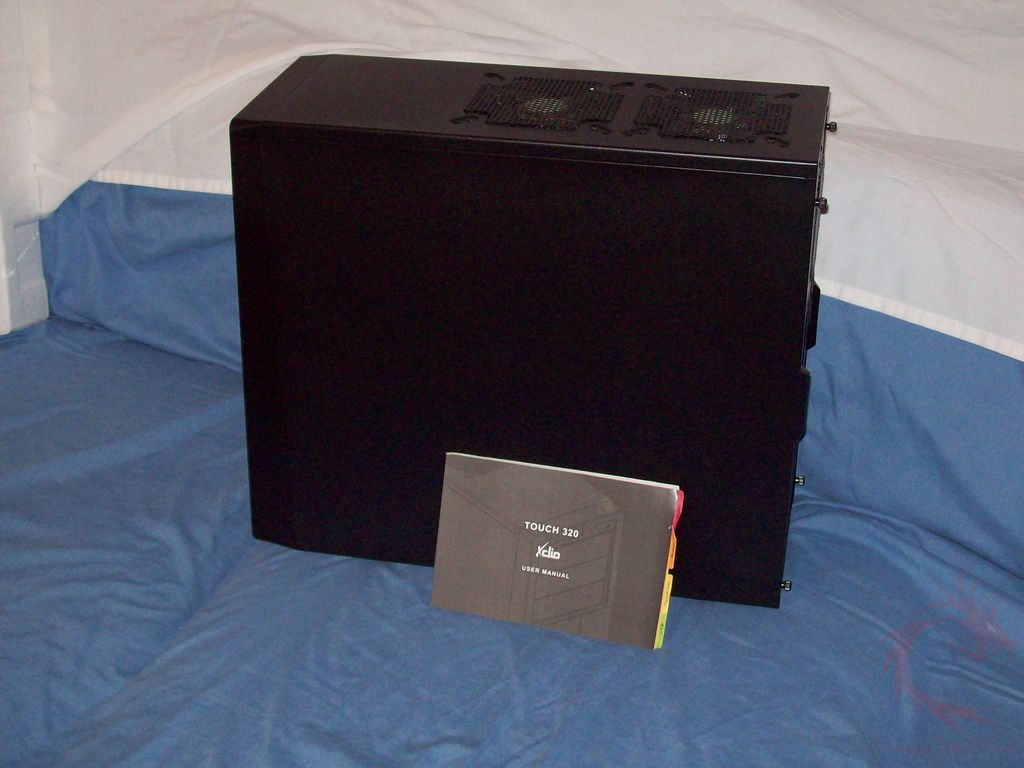
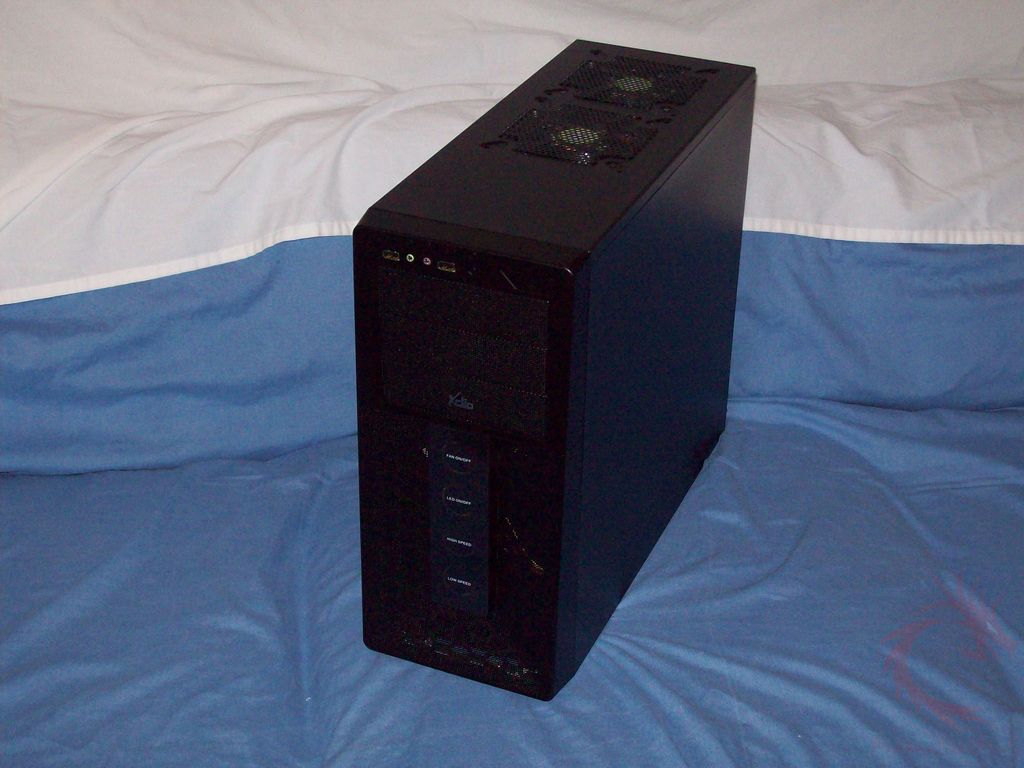
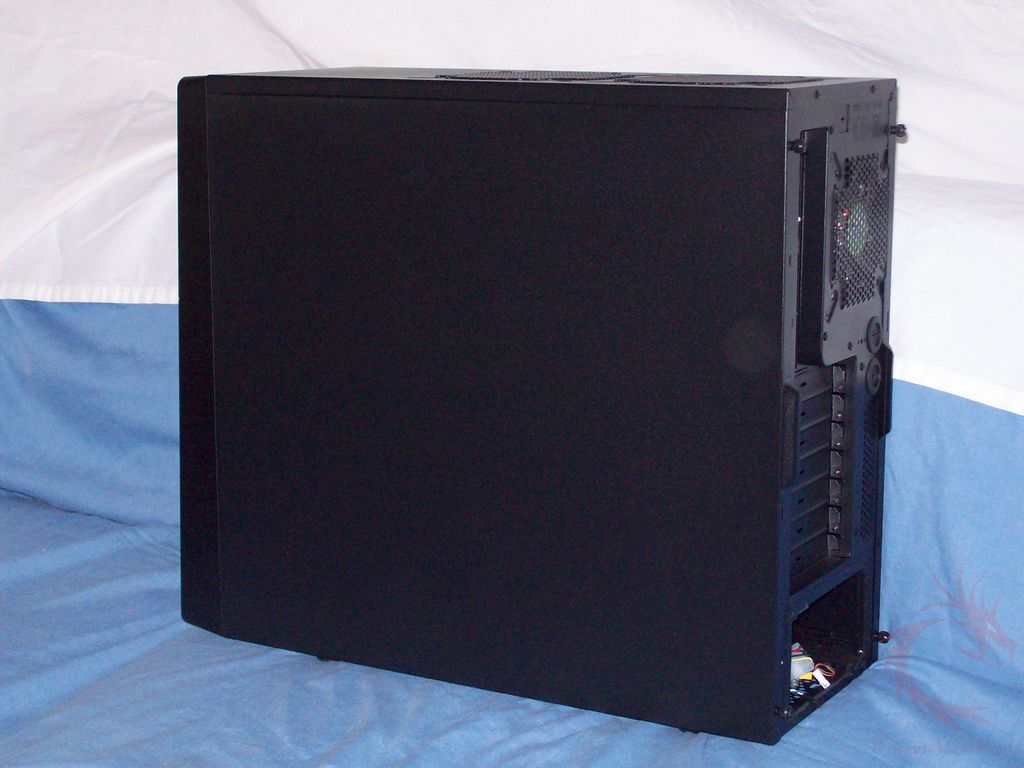
The Touch 320 is all black in color, both inside and out actually. You’ll see the inside later of course. The right side is plain, not much special there. The case seems well made, it’s made of steel so it’s sturdy but it’s not very heavy really.
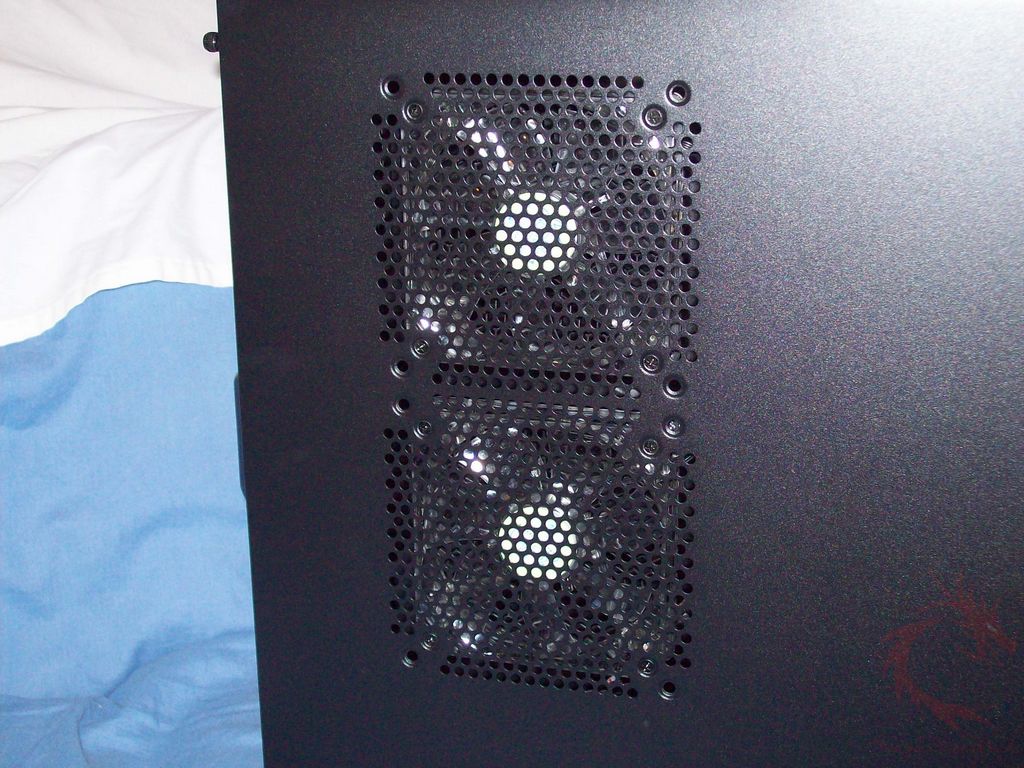
On the left side there are two 120mm fans pre-installed for you. You’ll notice extra holes around the fans; you can install larger fans if you want.
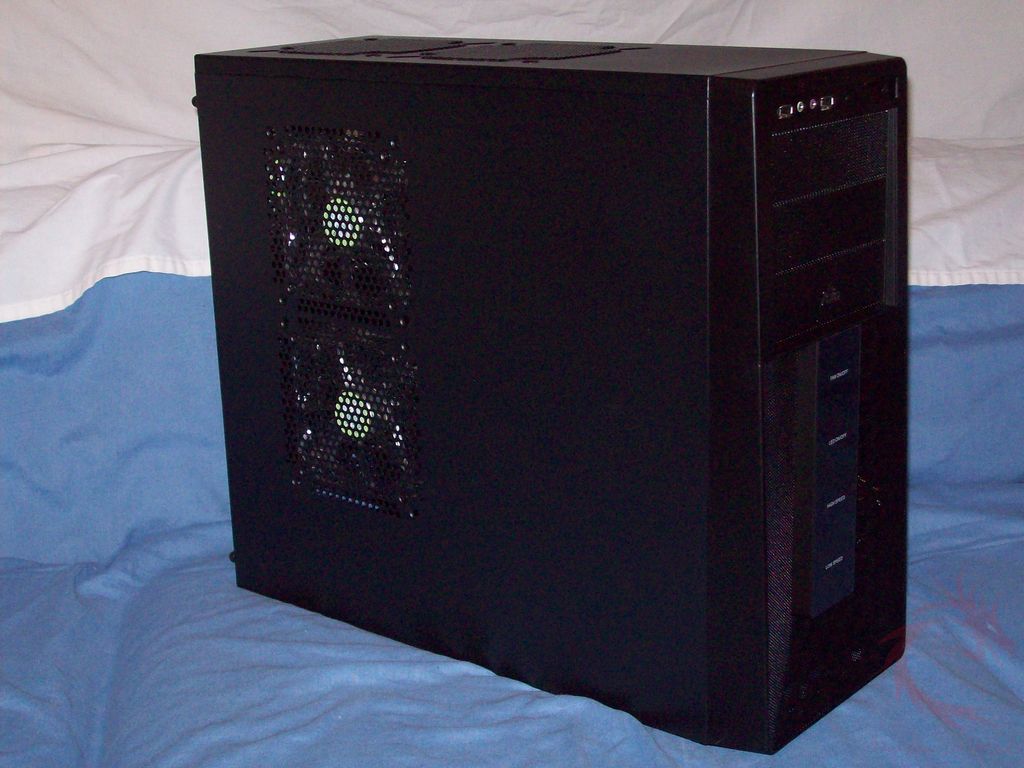
The front, like the rest is all black with a small Xclio logo there. There are three 5.25” bays on the front.
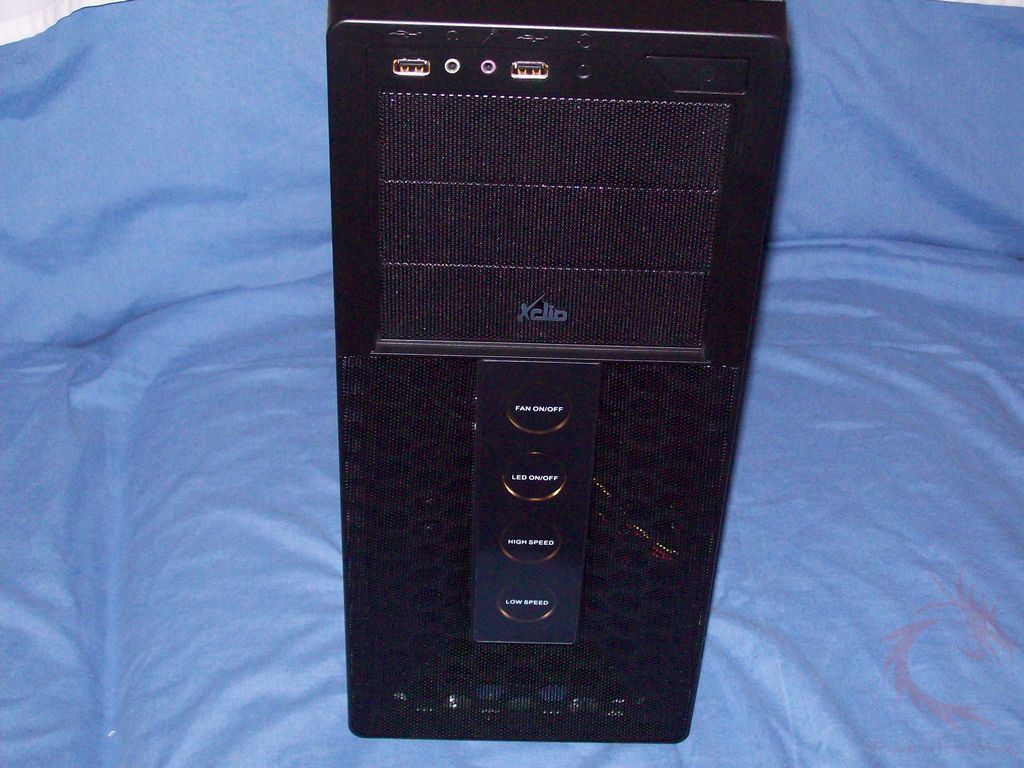
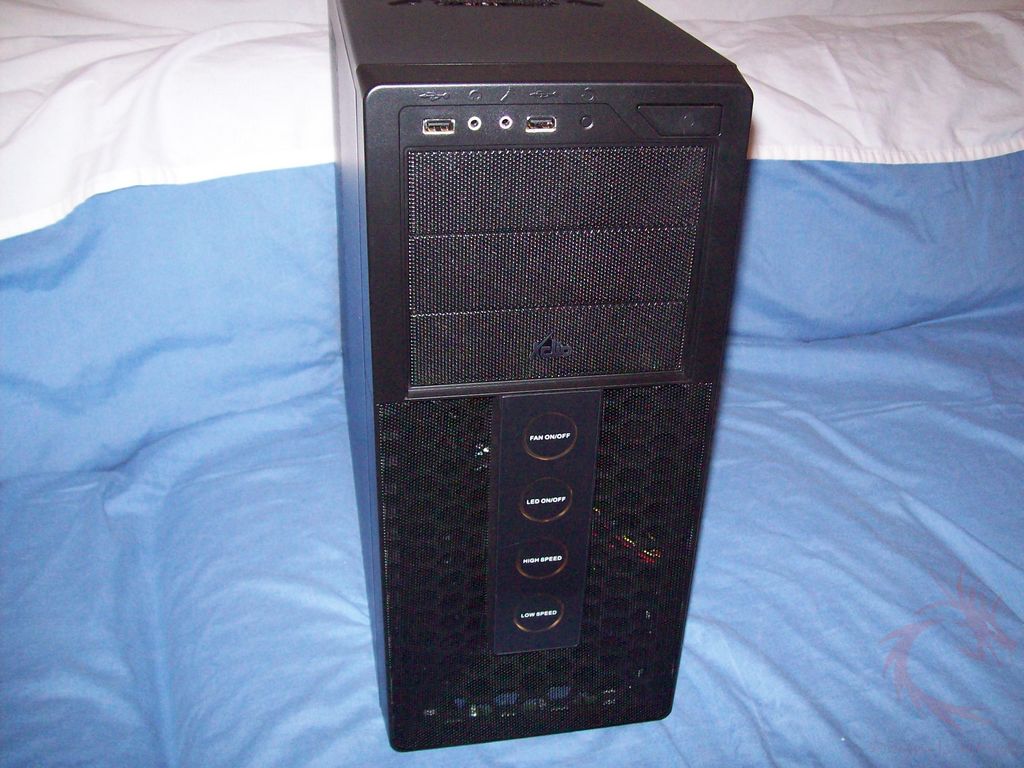
Above the bays you’ll find the power button, USB and audio ports along with the reset button.
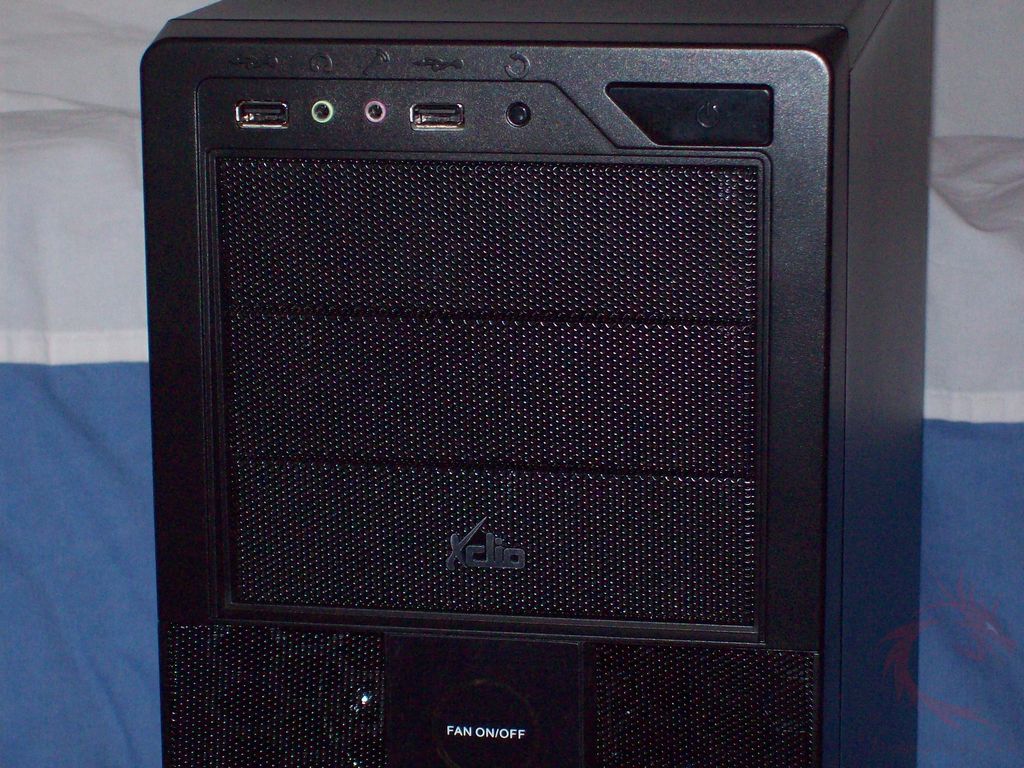
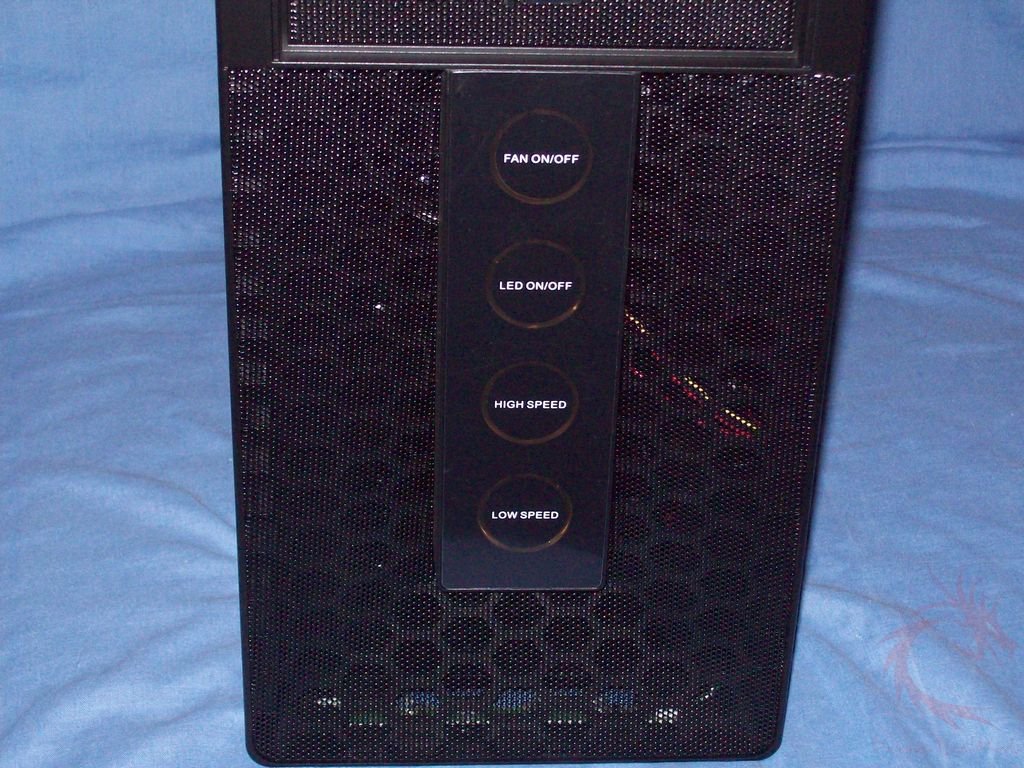
Under the bays you’ll find the featured part of the Touch 320, the touch panel to control the fans. You can control the fans to go to high or low settings, turn them on or off and then there’s a button to turn the fan LEDs on or off. On both sides of the panel you’ll see a mesh covering behind which is a cooling fan.
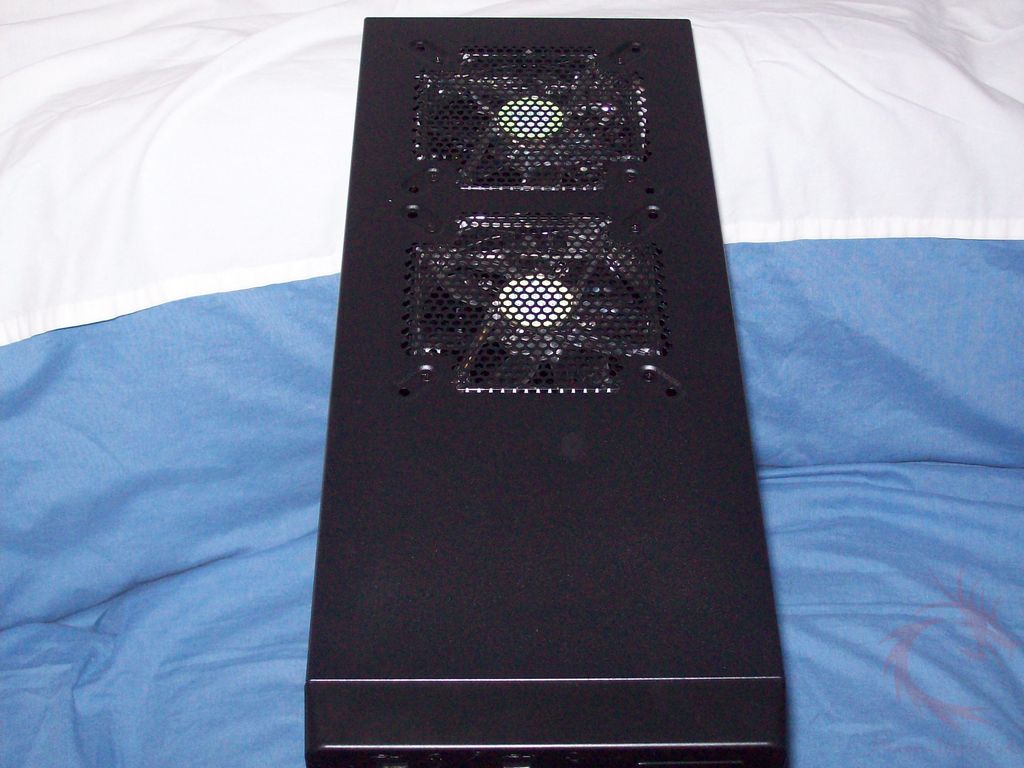
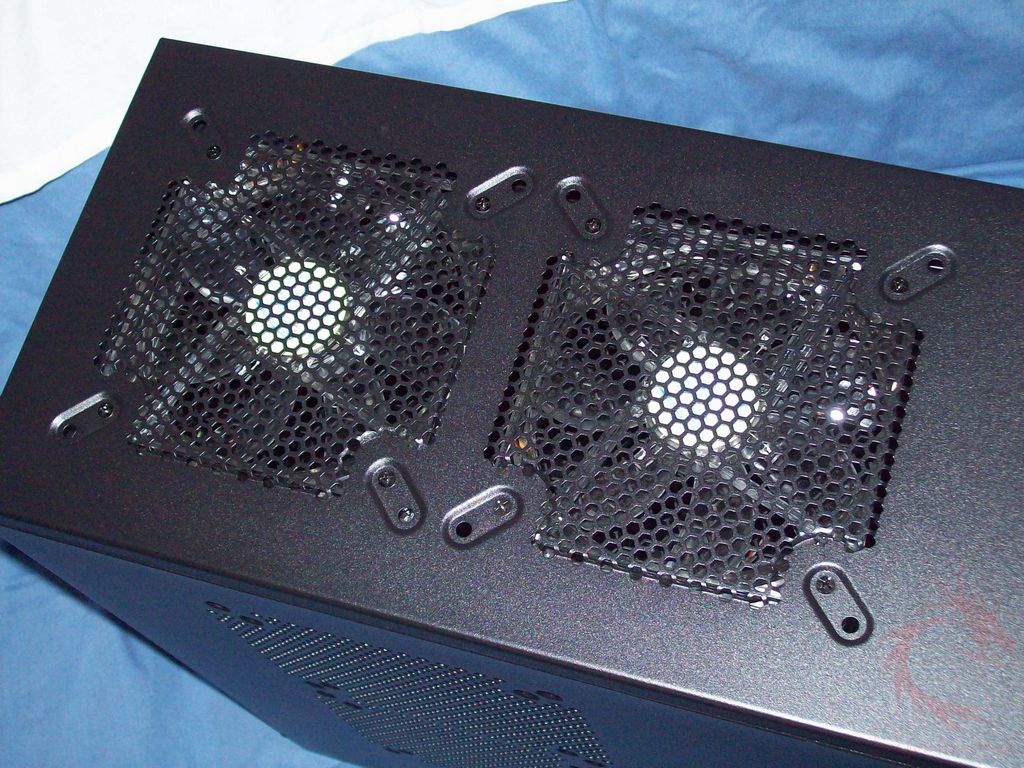
On the top of the Touch 320 you’ll find two more 120mm fans pre-installed for you. Like the side panel, you can install larger fans for more cooling if needed.
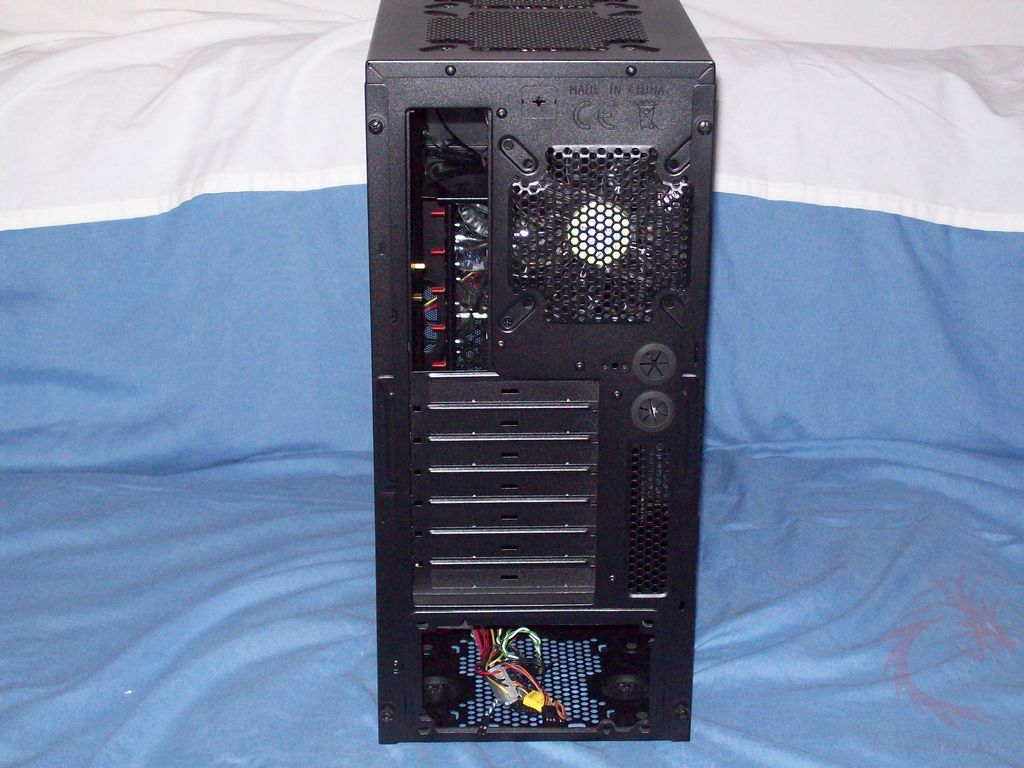
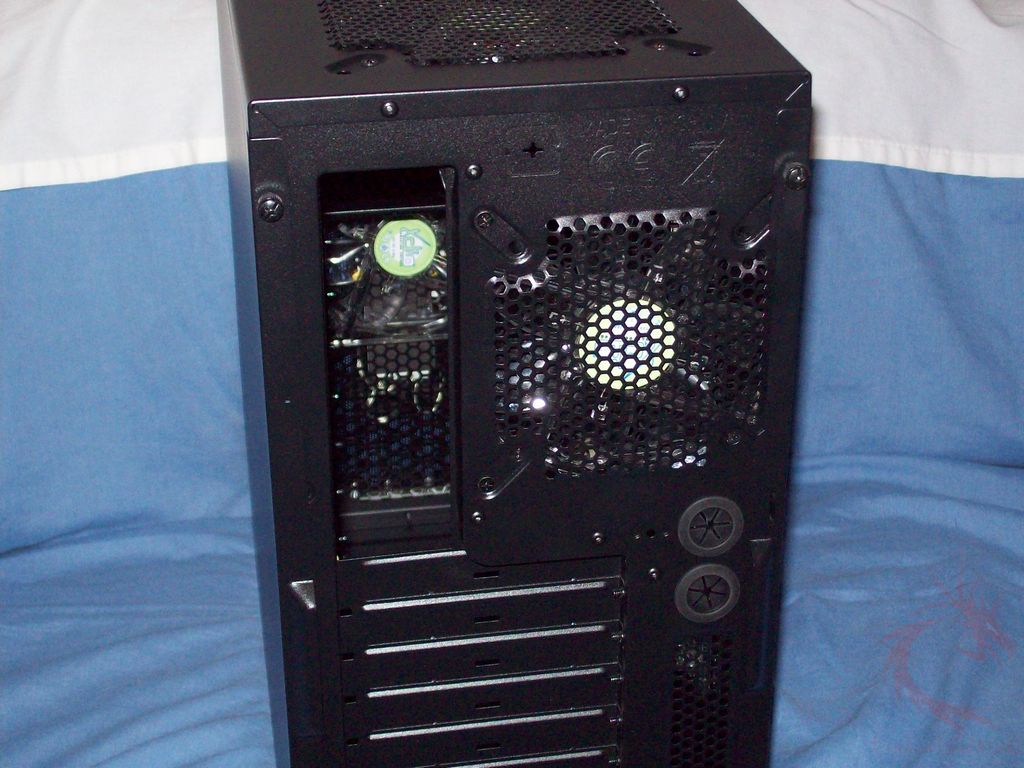
Moving around to the back you’ll see the common stuff, along with holes for liquid cooling as well. The side panels are held on with thumbscrews for easy access.
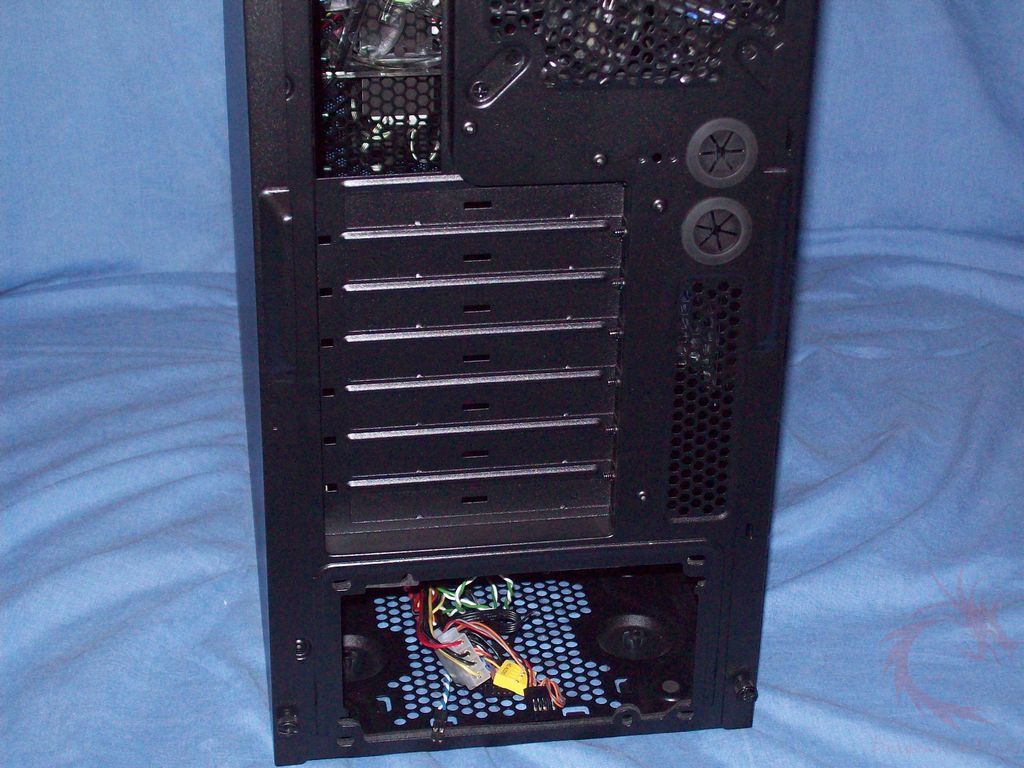
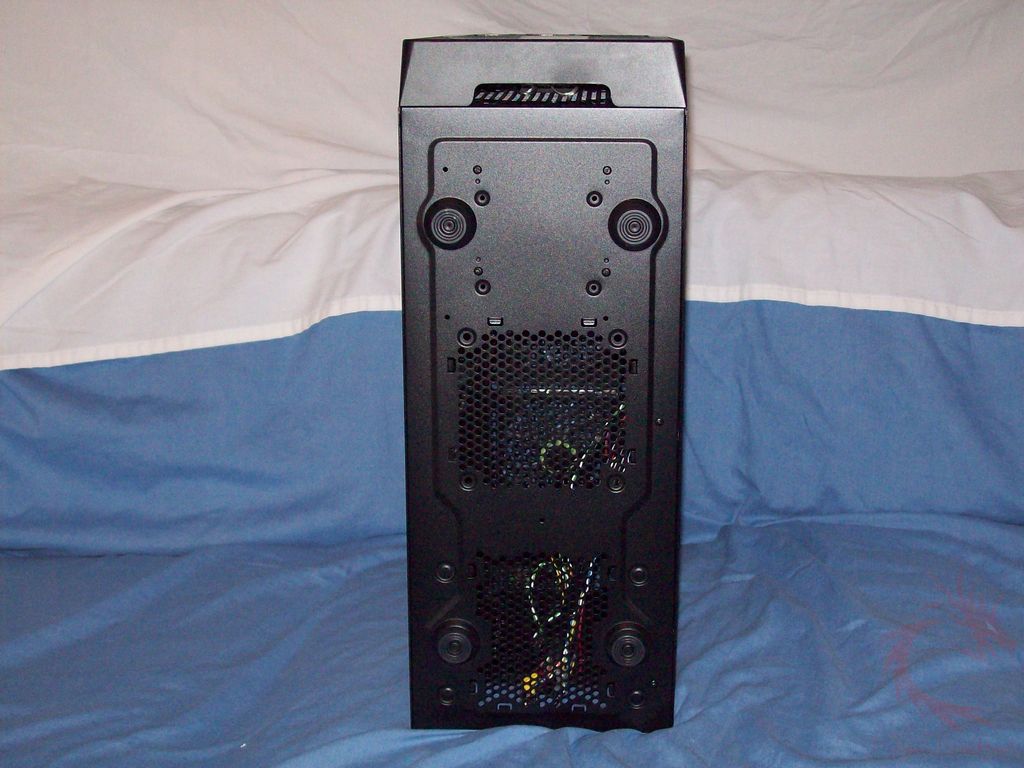
On the bottom you’ll see four rubber feet and ventilation for the PSU and a space for another fan.