
Installation:
Well let’s get a system installed in it. The motherboard fits fine, but you’ll notice the hard drives stick out pretty far but larger video cards should still fit.
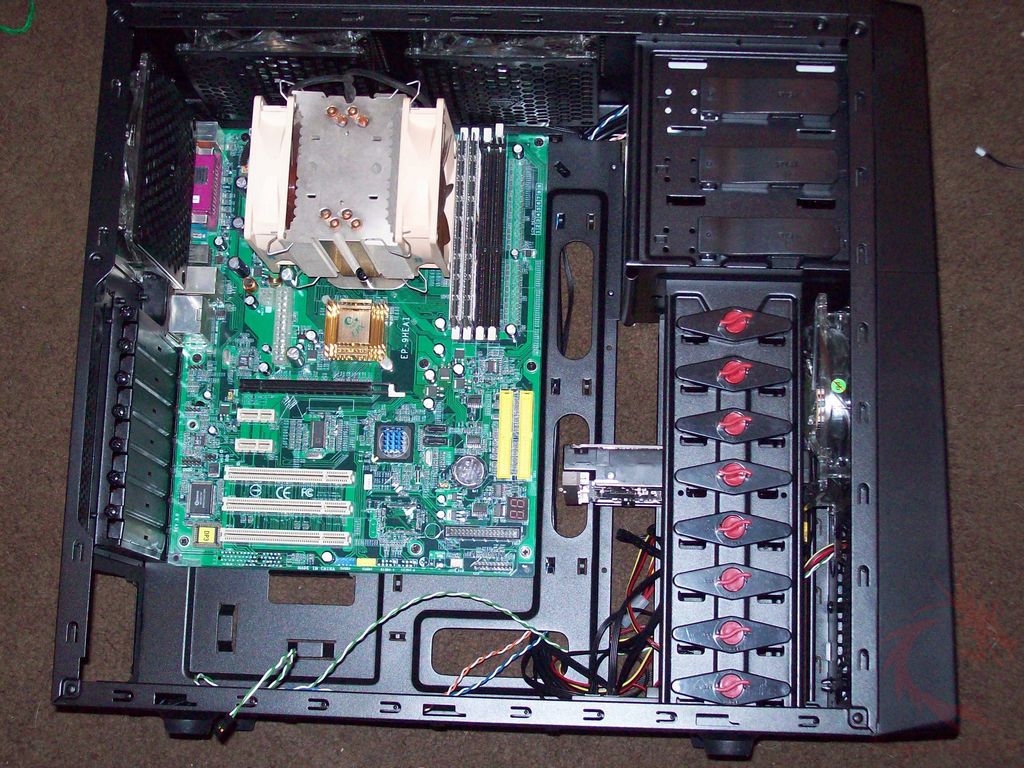
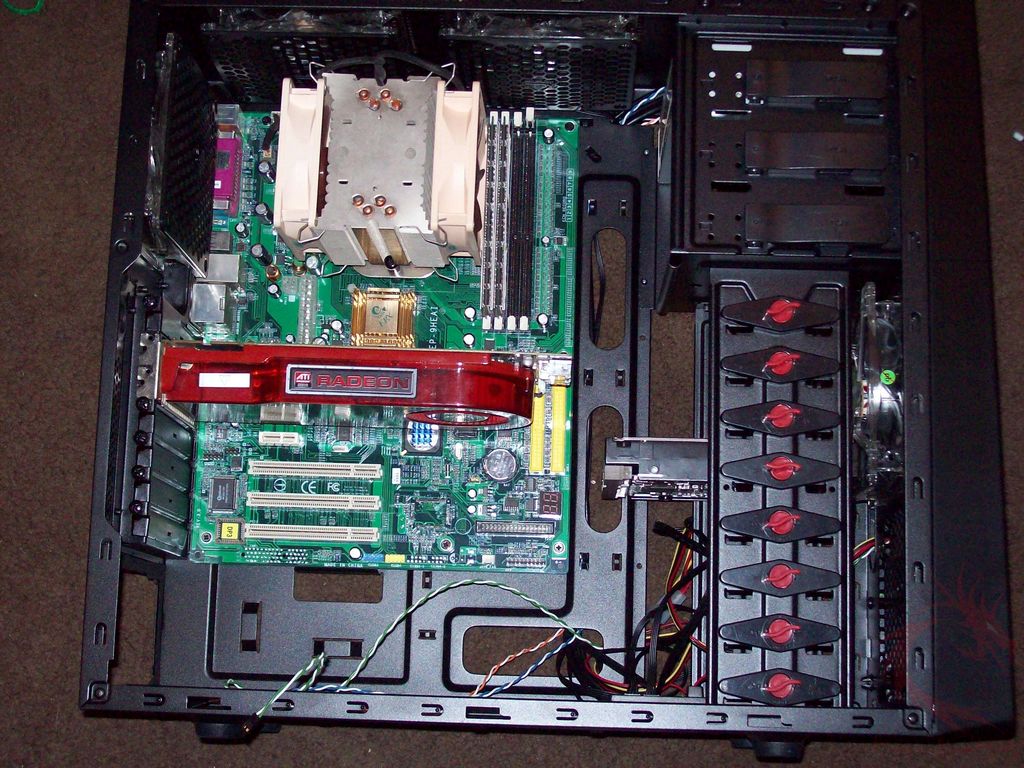
The area at the top is a bit tight once you’ve got your CPU cooler installed. I install my coolers before I put the motherboard in the case so getting the top mobo screw near the cooler in was a bit hard. The case does allow for large coolers to be installed, but those extra large coolers out there might be a problem because of the side fans.
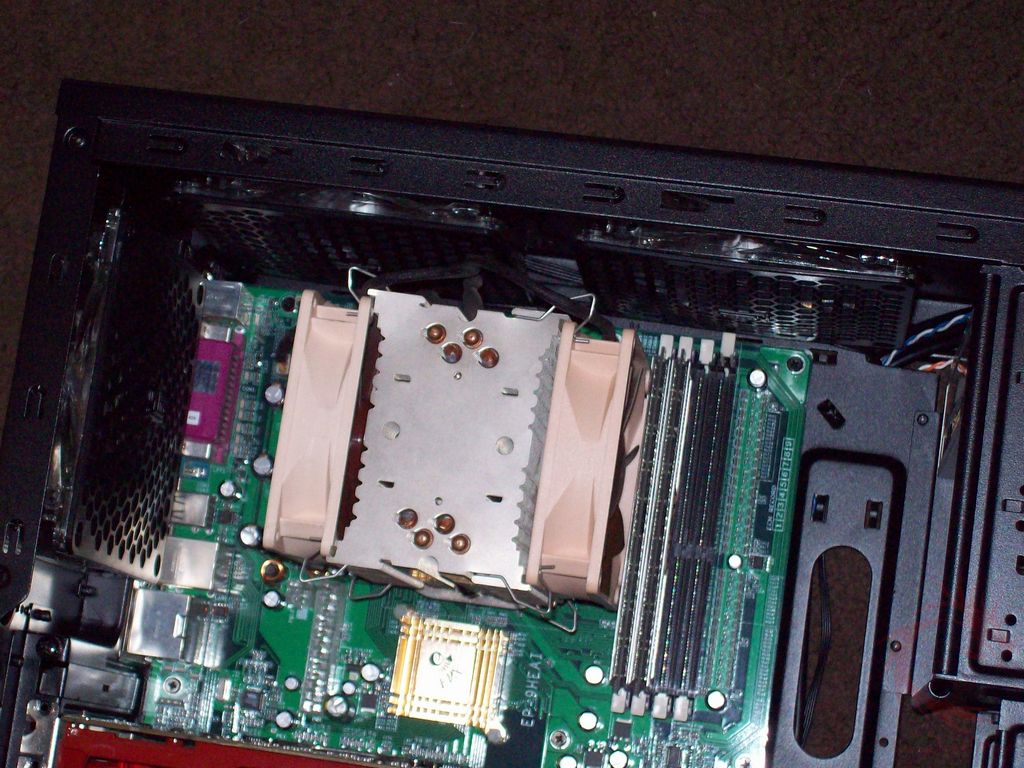
Here’s everything installed in the case, I didn’t do any wire management here though so it’s a bit messy.
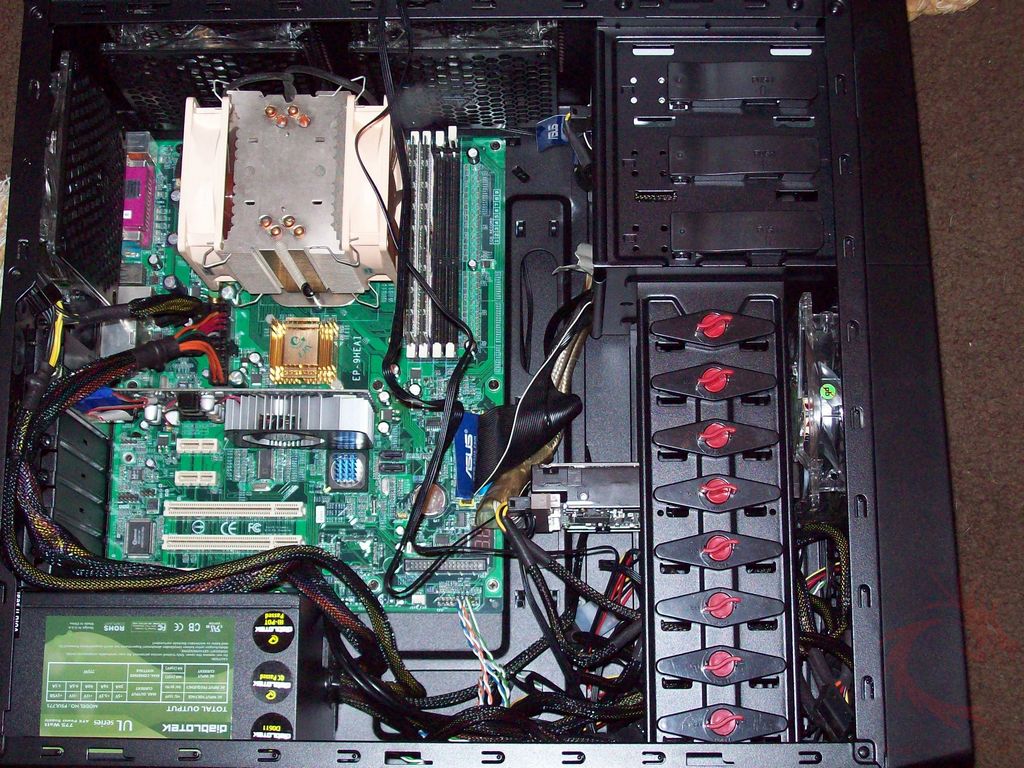
All of the fans have blue LEDs in them and the touch fan controller lights up blue as well. The touch controls work well, but there is a second or so lag between touching the button and something happening.
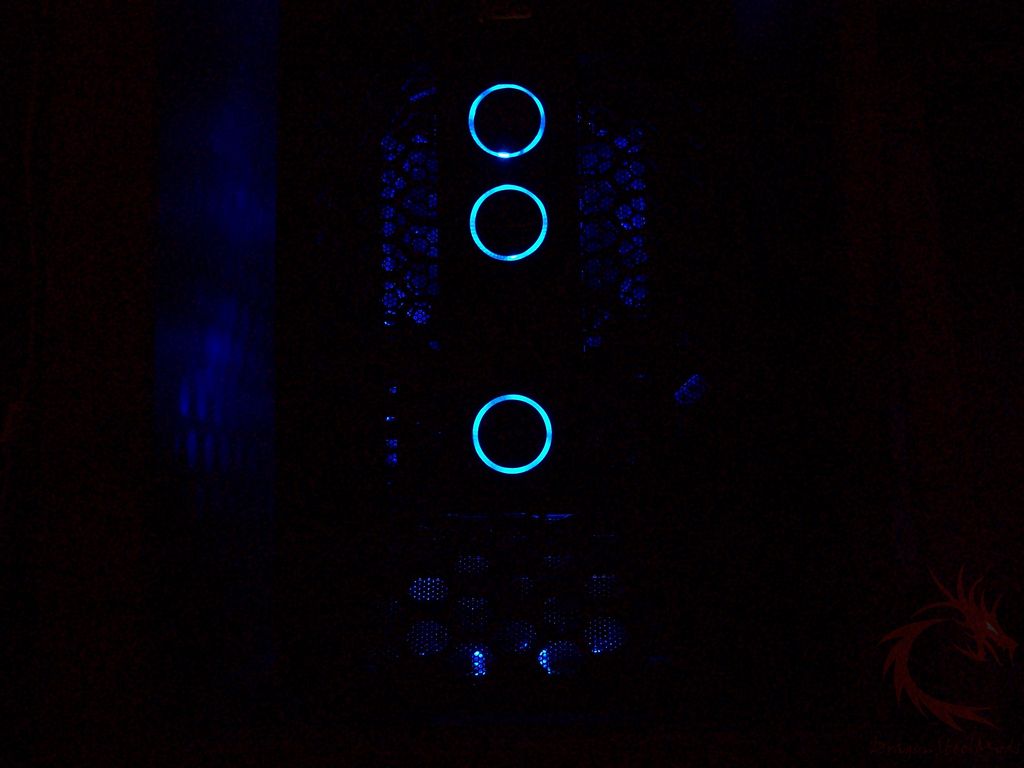
You can turn the fan LEDs off, but the fan controllers still stay lit. The hard drive activity LEDs are blue and they’re located at the bottom of the front of the case.
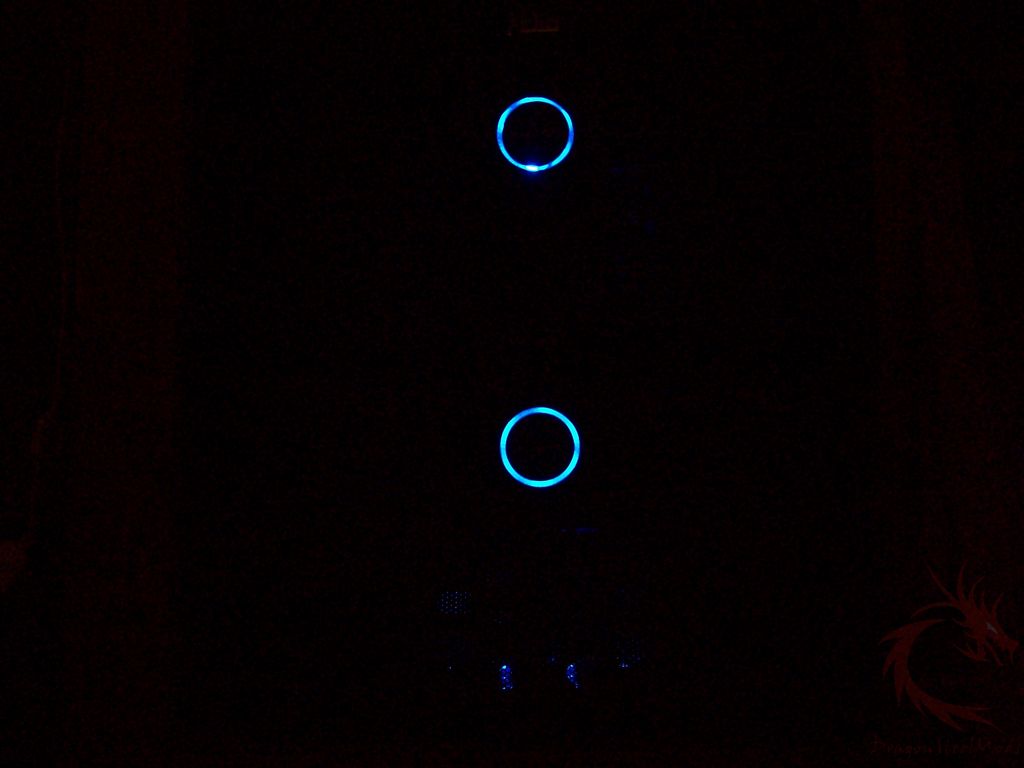
Here’s the top and side fans lit up, they’re rather bright. In a dark room the fans will provide a lot of light.
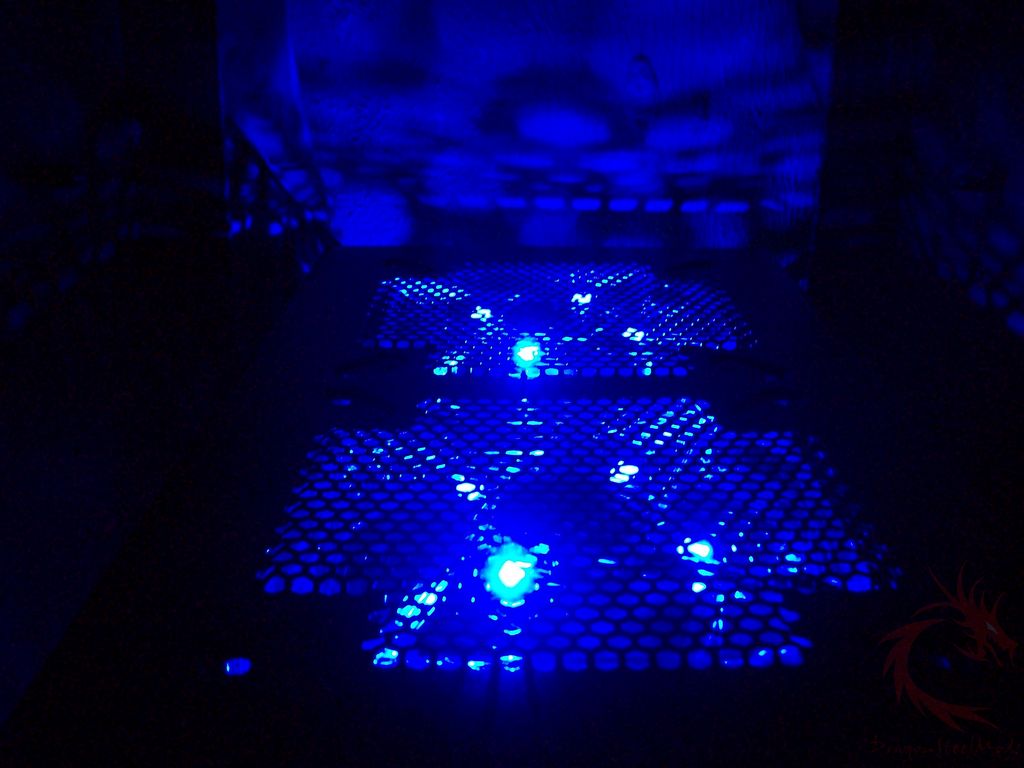
You can run the fans on high or low, but I’d keep the fans on low as they’re rather loud when running on high. Too loud for my tastes anyway, but they’ll keep your system cool.