A Better Look at Things – Inside
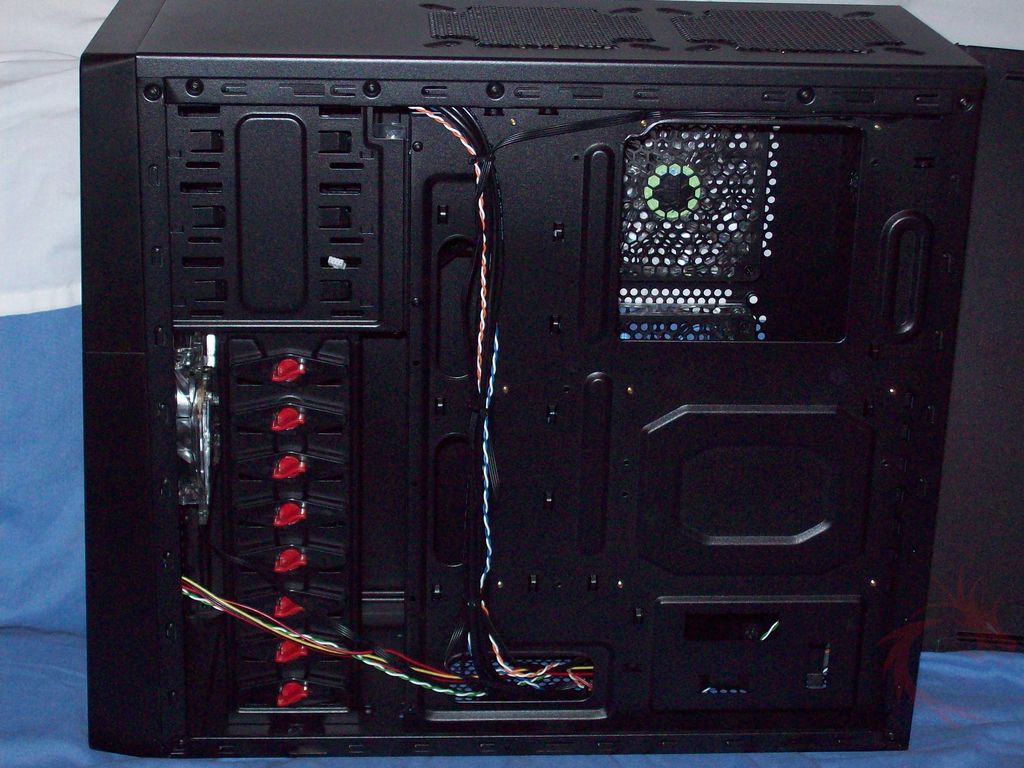
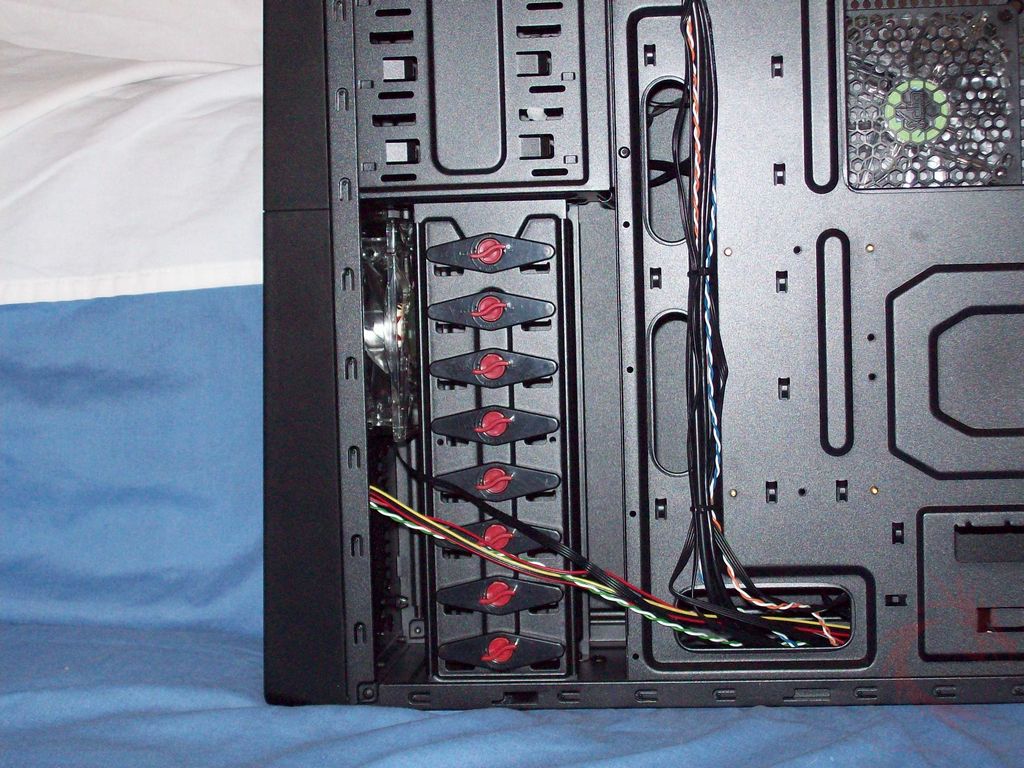
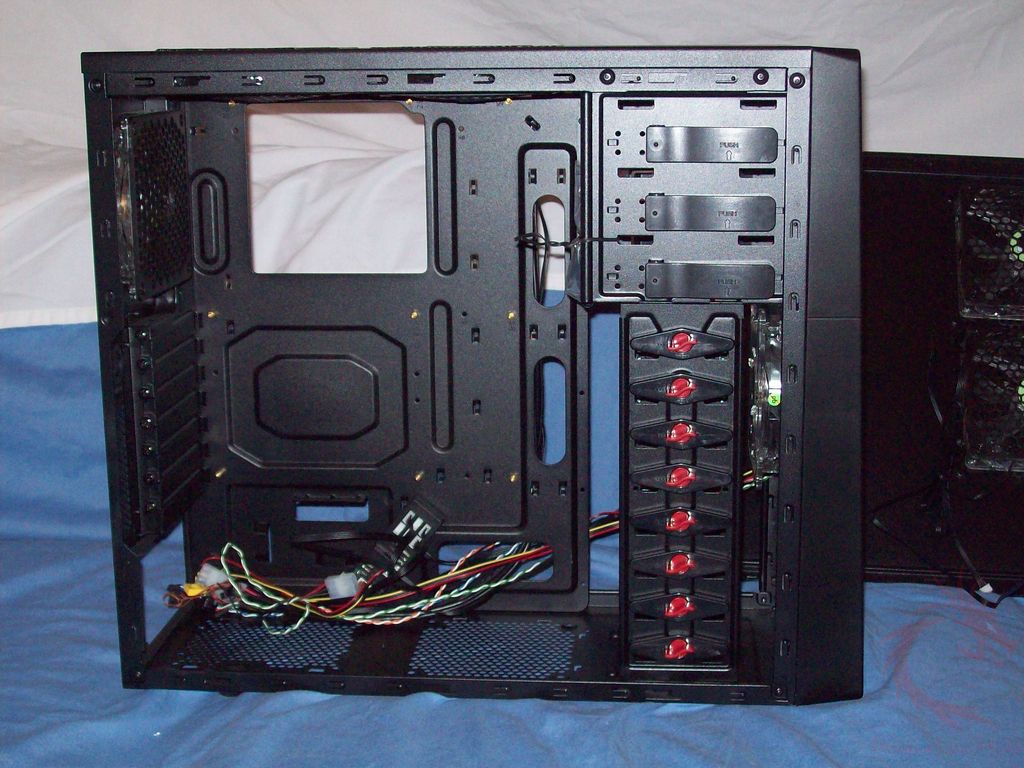
Taking the right side panel off we can see how he inside is black to match the outside. There’s a nice cutout where the CPU would be located to make cooler installation easy for you. You’ll also see several cutouts for routing your wires. You can see the hard drive cage with the tool-less connections, the little red hard twist to lock or unlock the racks for the drives. You’ll find the same thing on the other side as well.
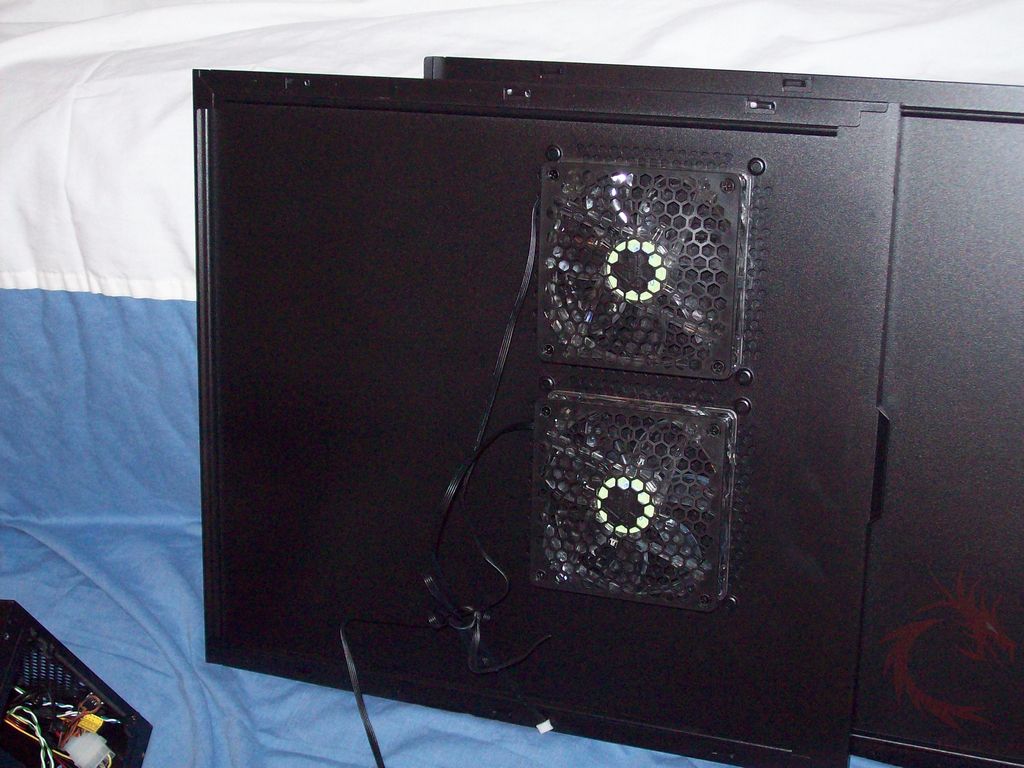
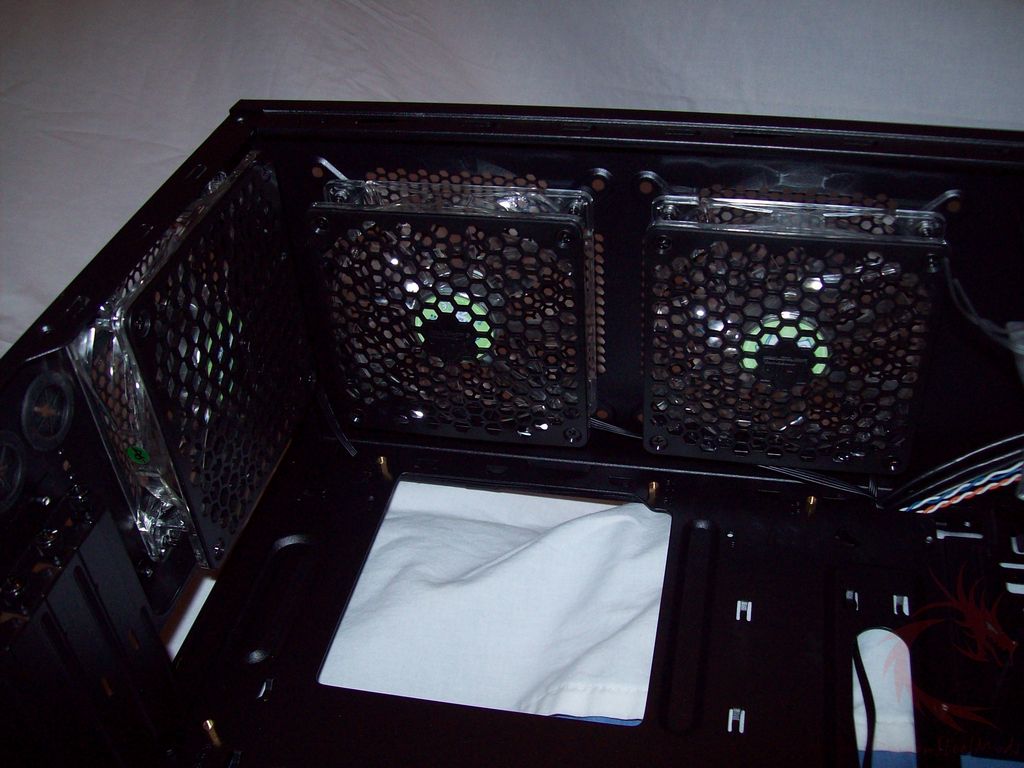
Ok, taking the left side panel off you can get a better look at those two fans on the side.
And then here’s the full view of the inside of the case:
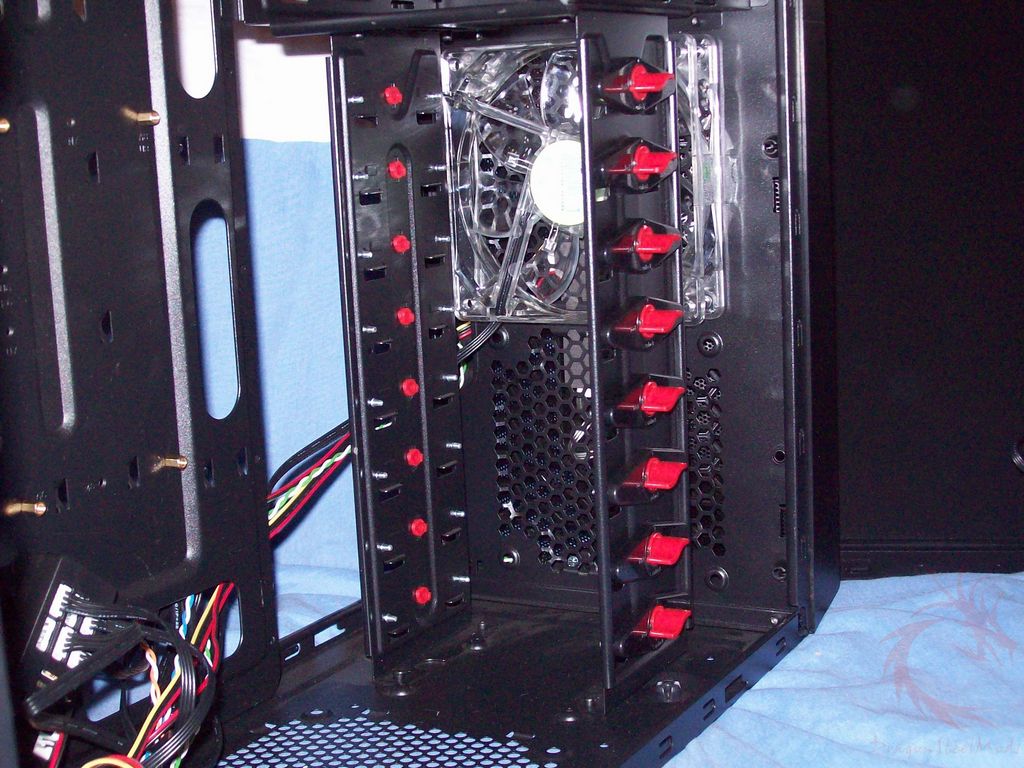
Looking through the hard drive rack you can see the front fan and space for eight hard drives.
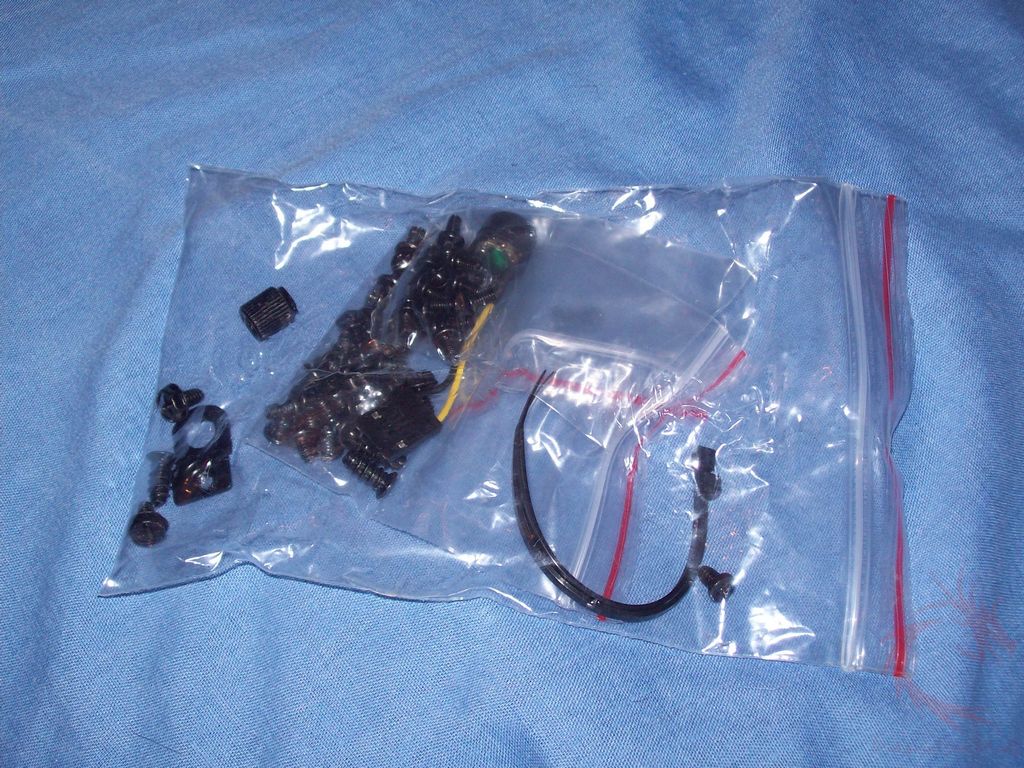
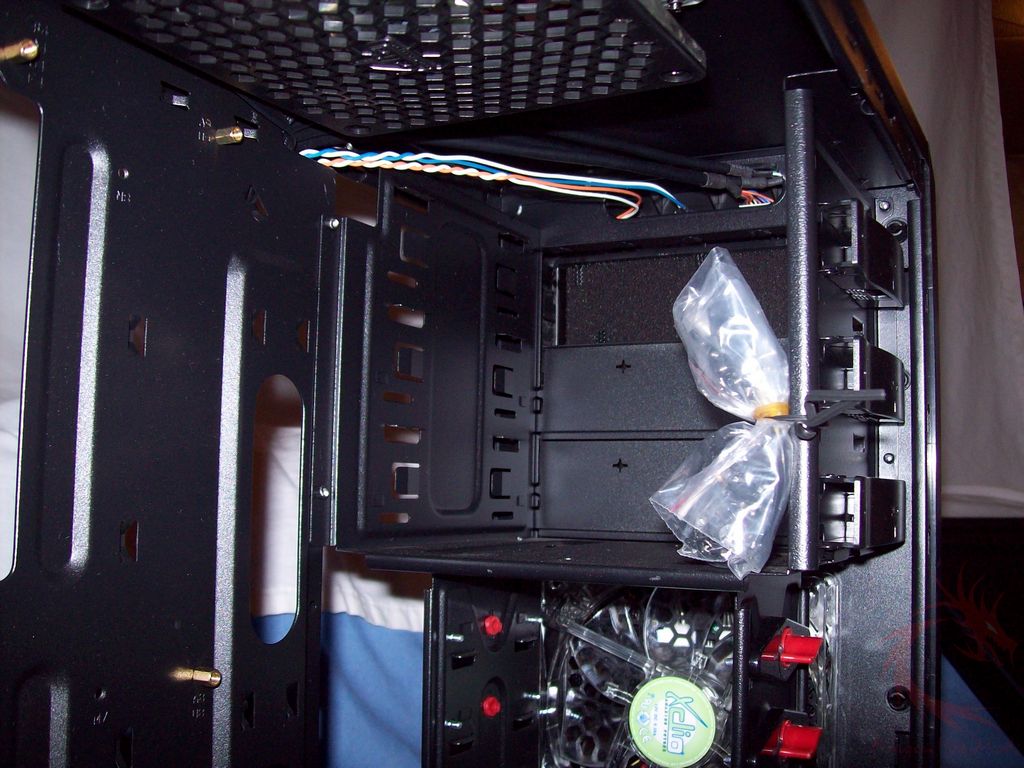
Above the hard drive rack is the 5.25” bays of course and in there you’ll find the accessory bag.
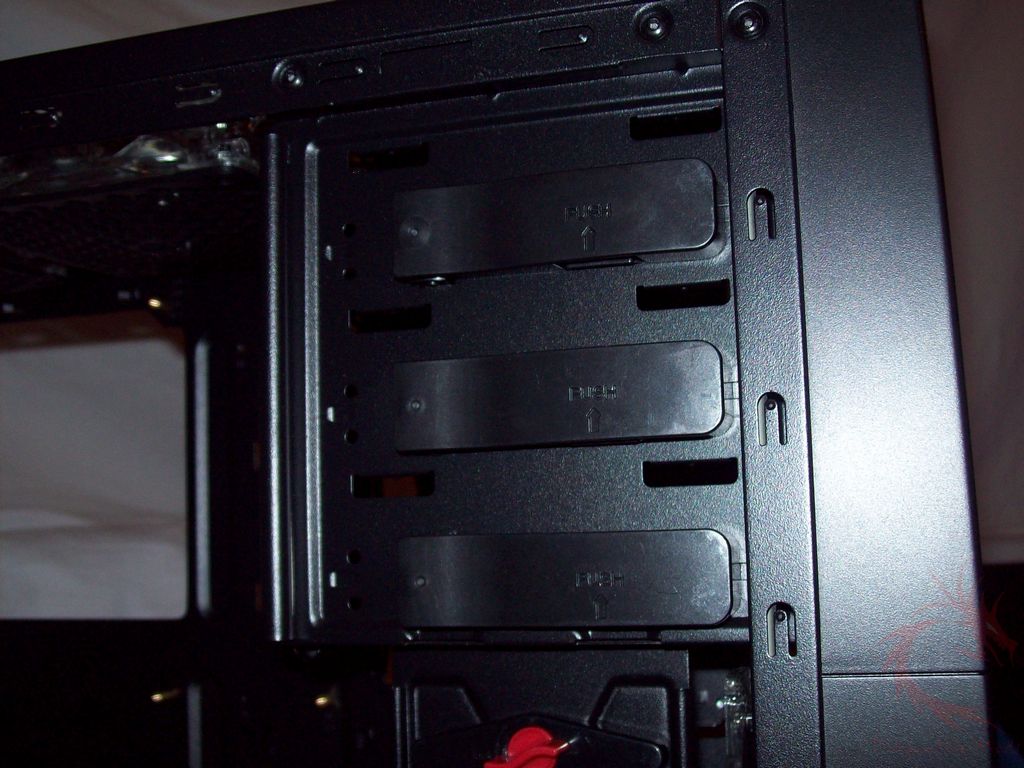
The 5.25” bays are tool-less and your devices are held in place by locks on the outside.
On the bottom of the case you’ll see the connections for the motherboard headers along with a molex power connection for the fan connector. On the fan controller you’ll see two empty spots for the side panel fans.
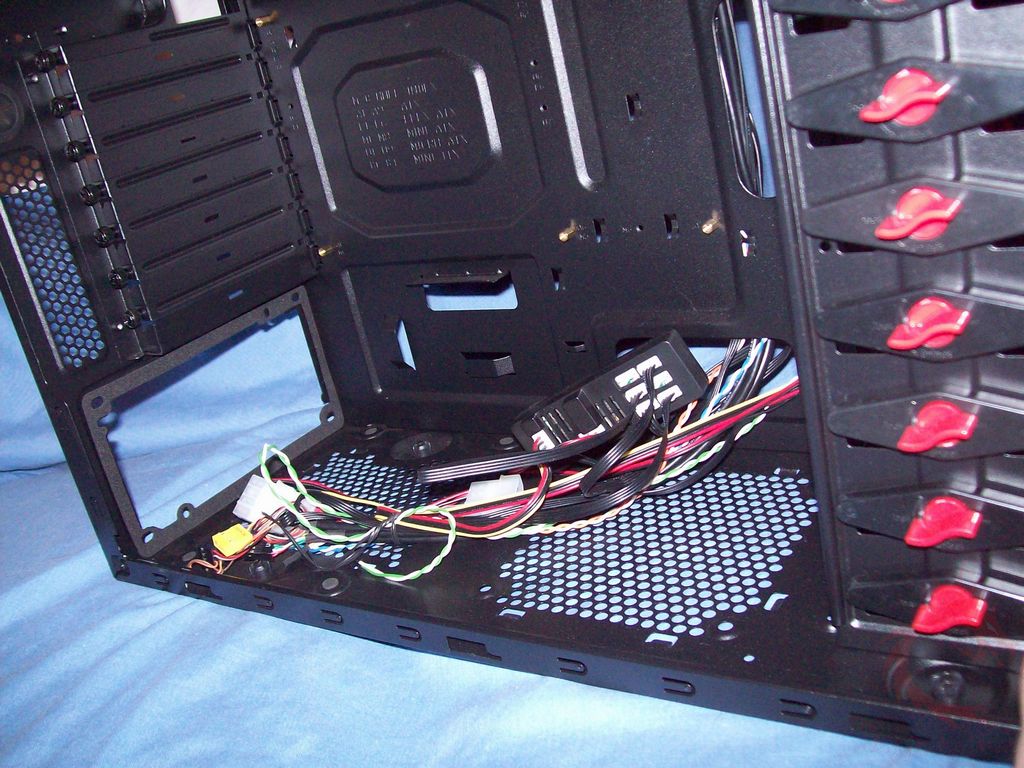
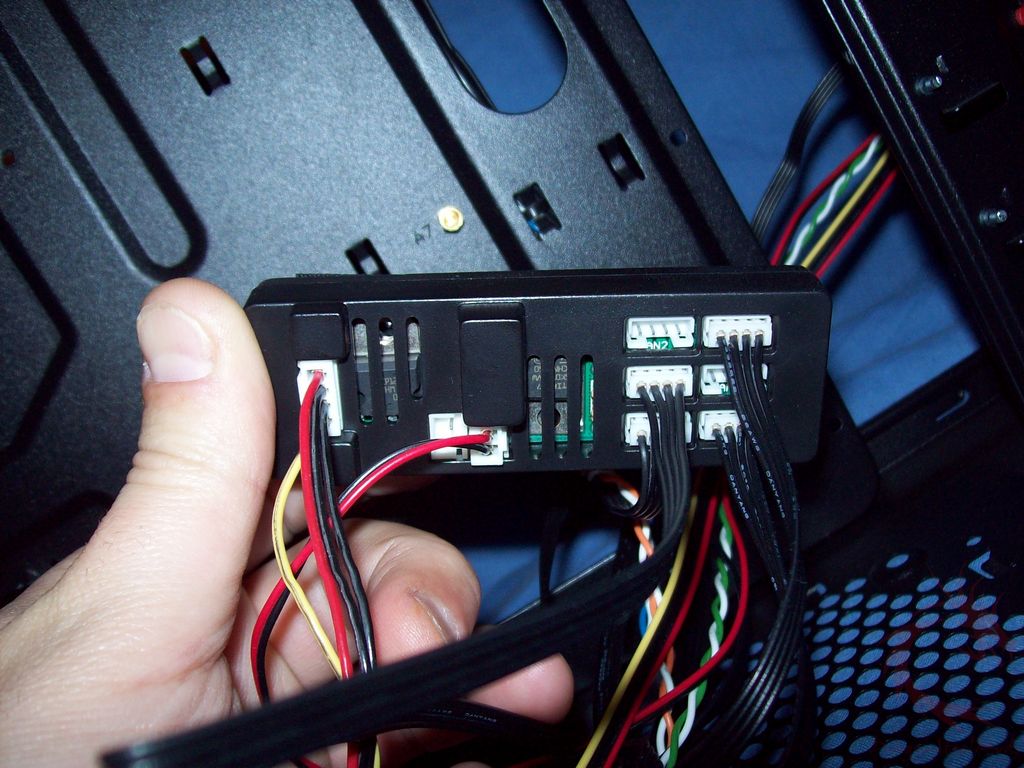
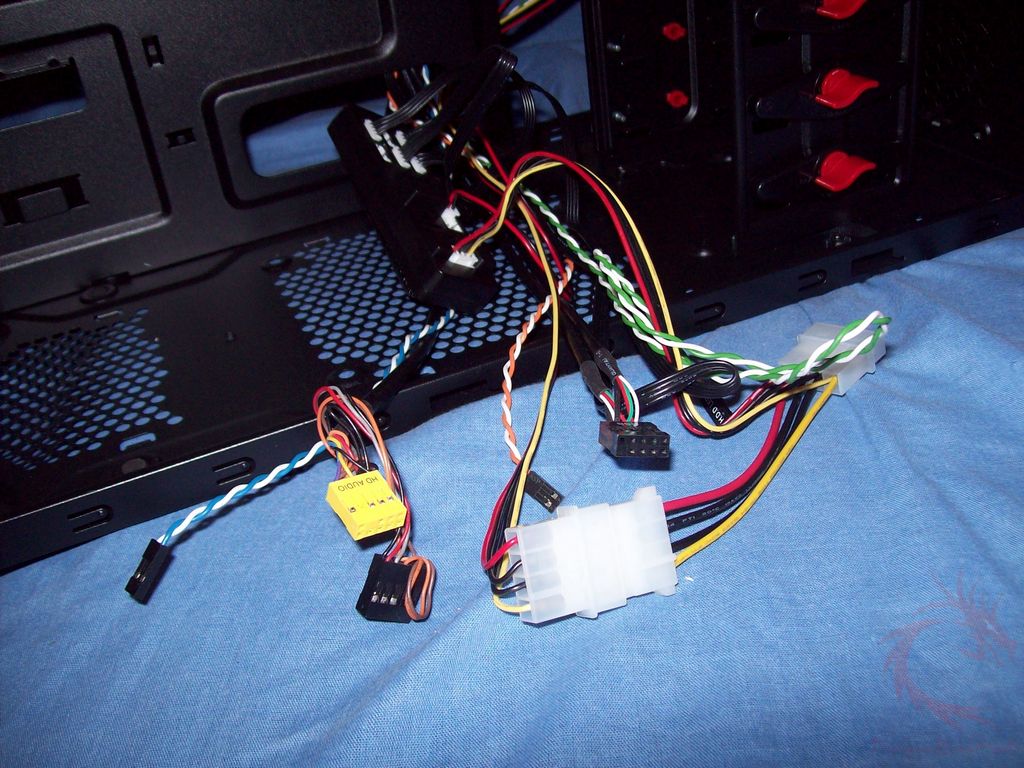
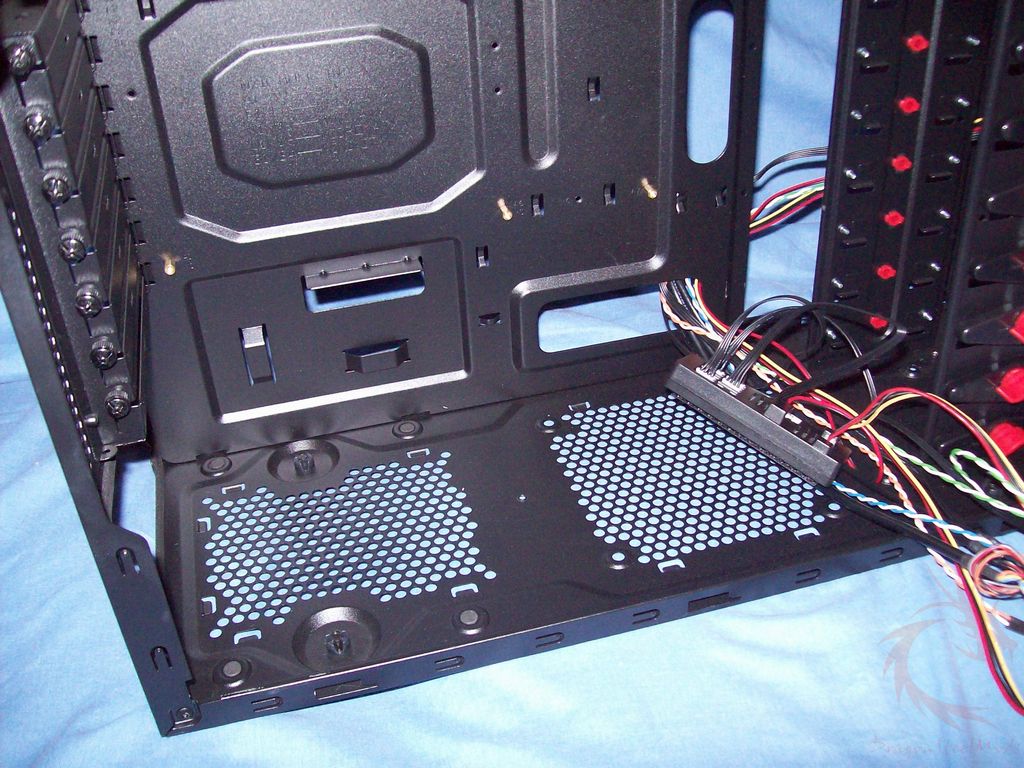
Here’s the bottom of the case from the inside, you can see the fan mount a little better here.
Then here are the top two fans and the rear 120mm fan. They all have Xclio branded fan grills on them which is a nice touch.
The accessory bag is small and there’s not much in it.